Undo, Redo, and History
Use Undo to take back your last edit and Redo to restore it. You can use the toolbar buttons or keyboard shortcuts. On a touch device, the default gestures are a two-finger tap to undo and a three-finger tap to redo.
Return to a specific edit
Open Window ▸ History and select an entry to return to the state just after that edit. To redo several steps, select a later entry in the list.
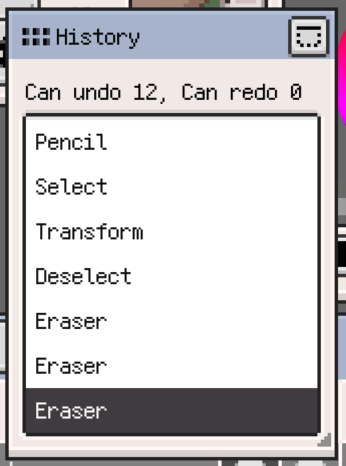
Selected operation and available undo steps in History
If you return to an earlier entry and make a new edit, you can no longer redo the steps you took back. The history is available until you close the document.