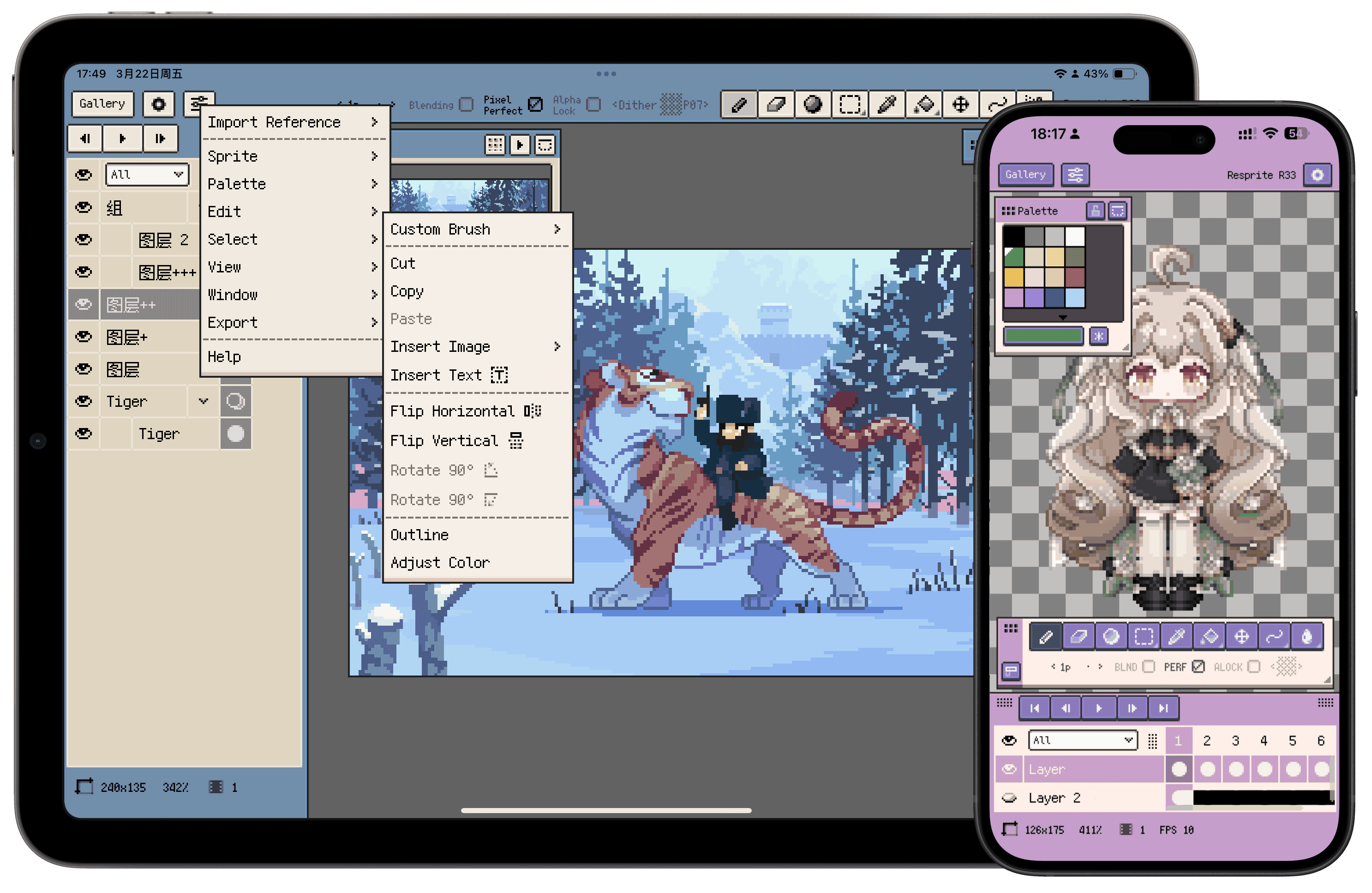
Professional pixel art and animation for iOS, Android, and desktop



*Subscriptions and one-time purchase supported
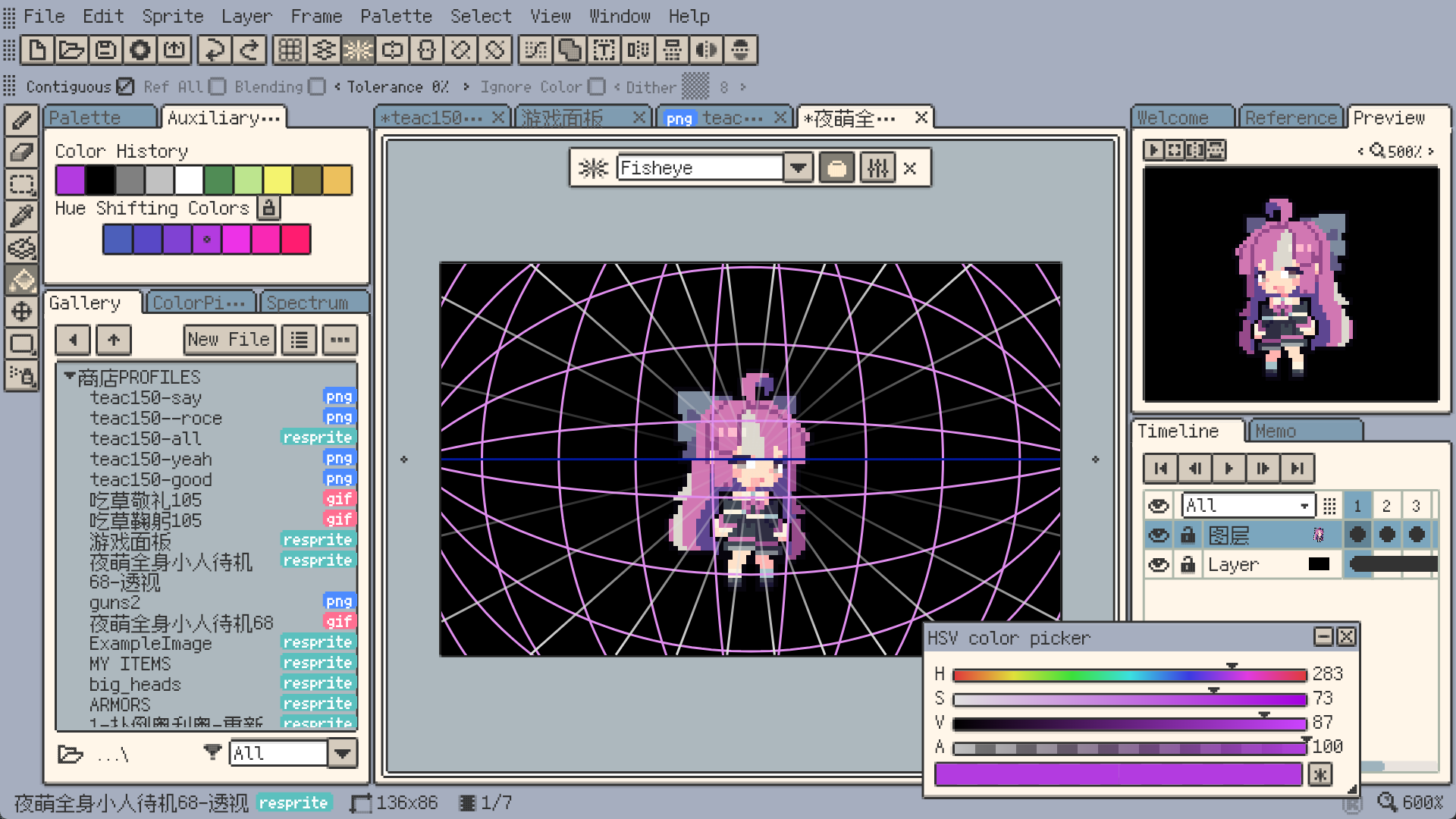
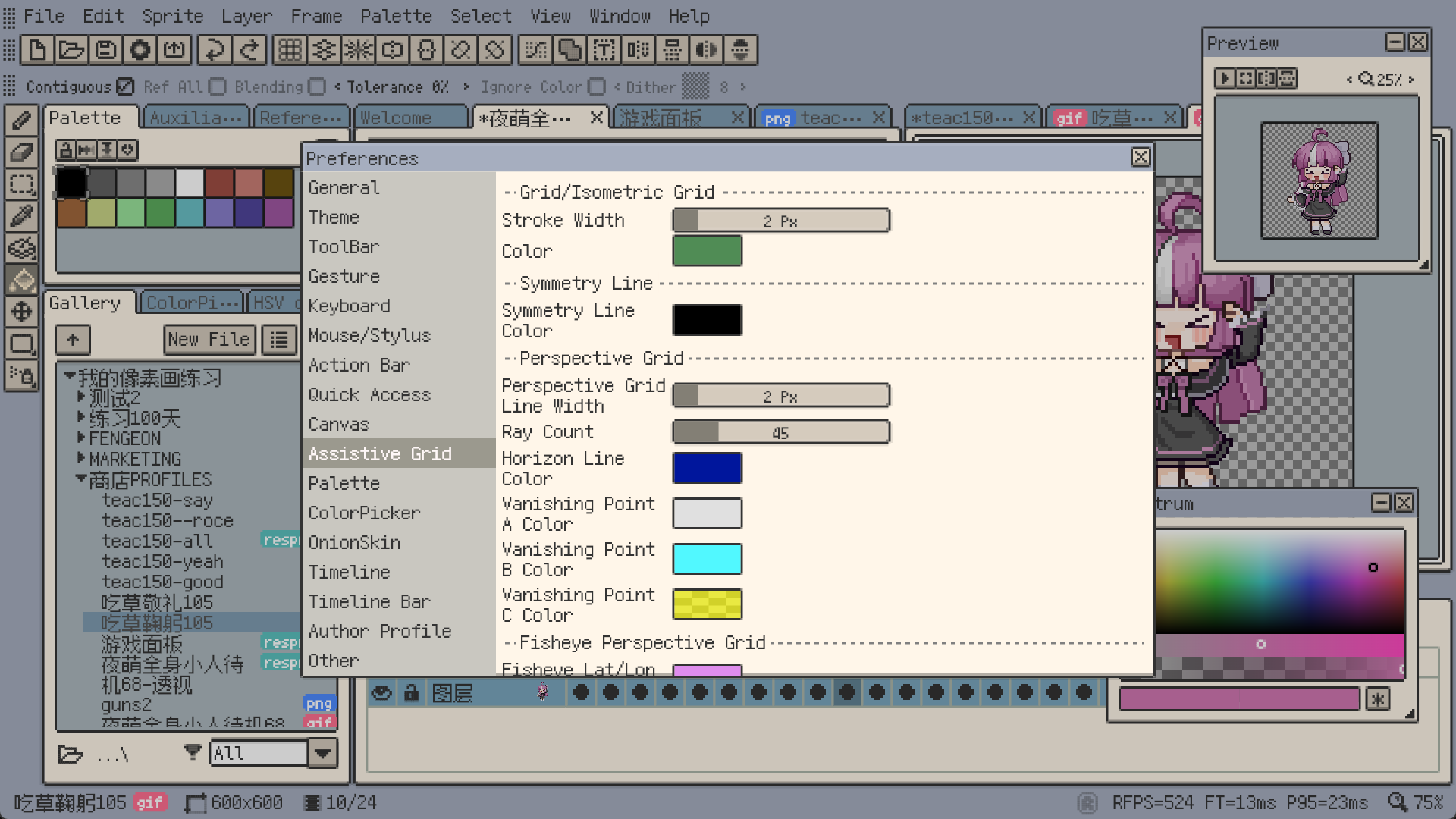
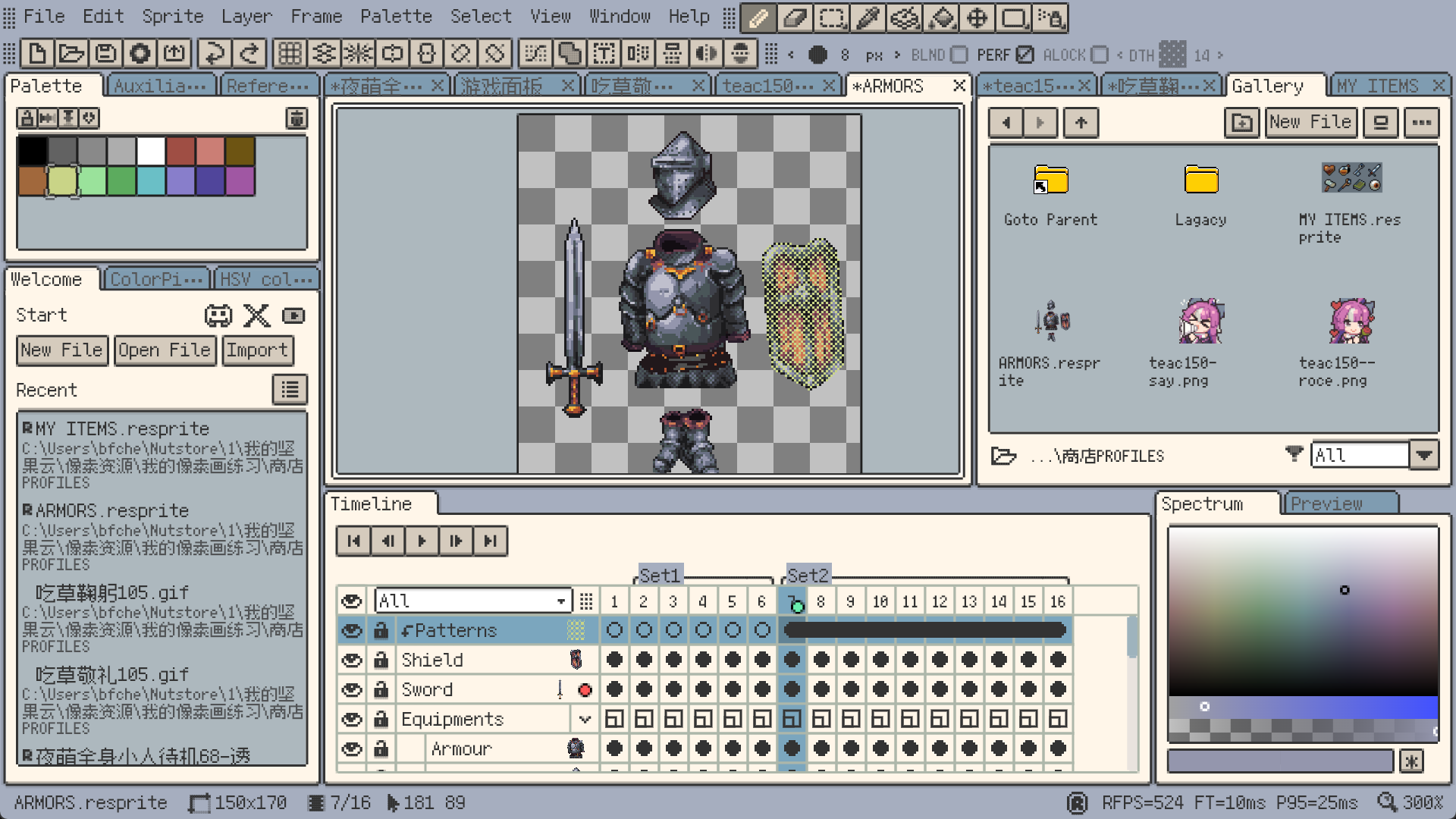
Feature Highlights
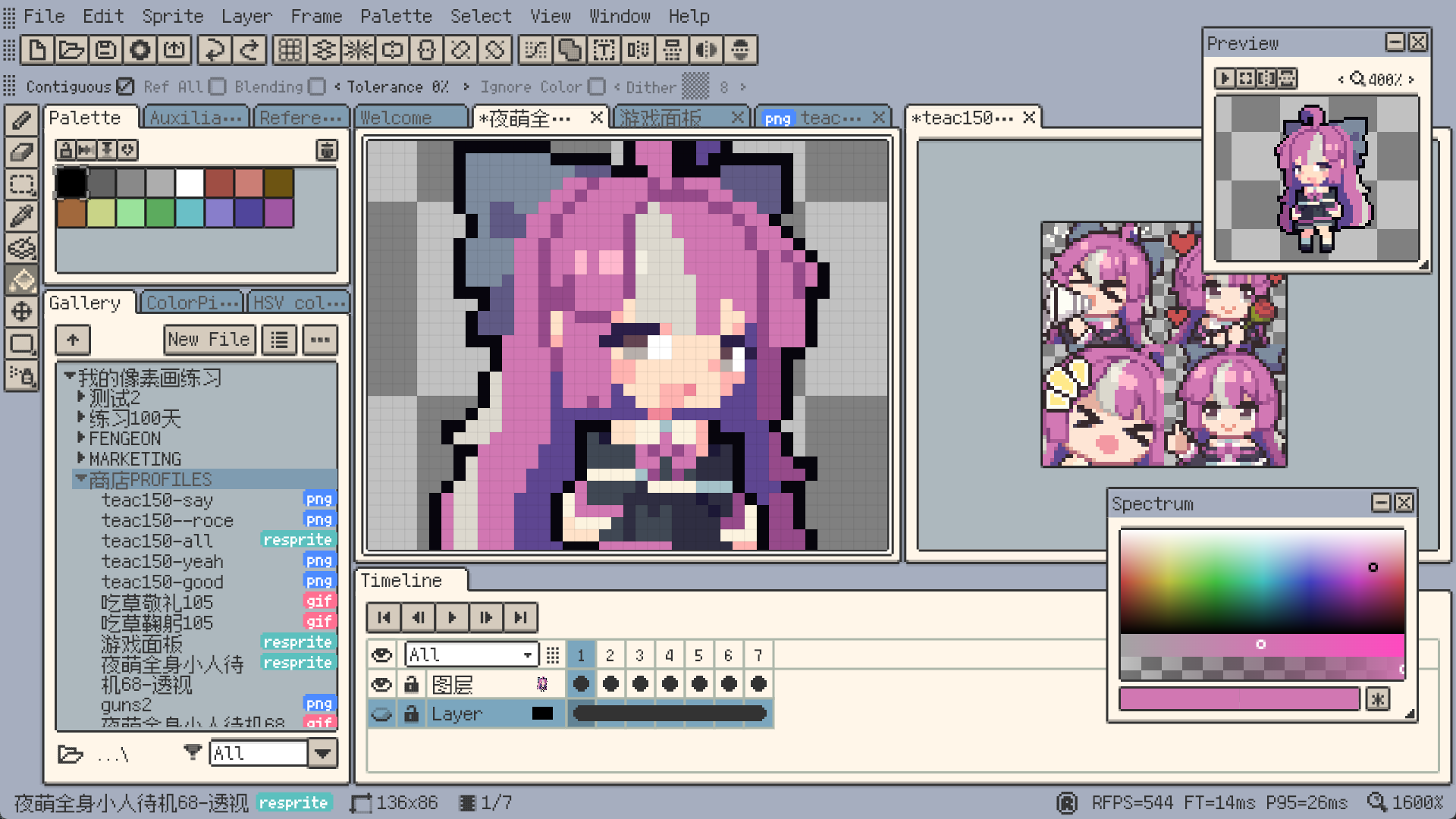
Pixel-perfect lines, Alpha Lock, dithering textures, custom brushes, gradients, and symmetry tools for a professional pixel-art workflow.
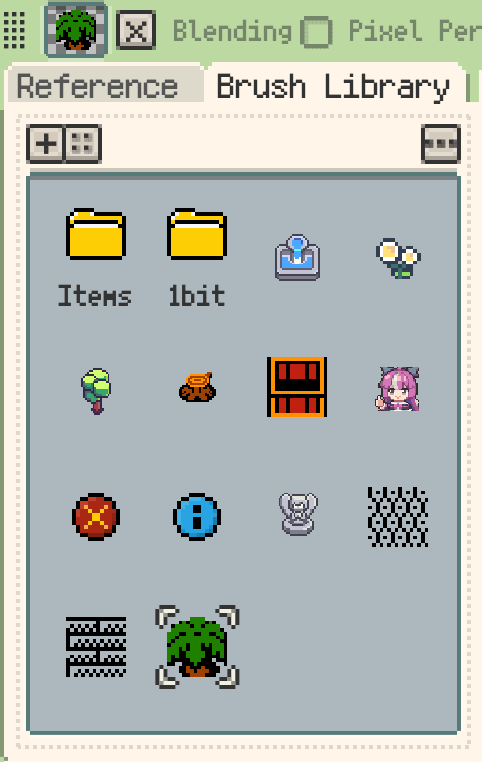
Create reusable brushes from selections, images, or folders, organize them in the Brush Library, and speed up texture work with tiling, alignment, and active-color drawing.
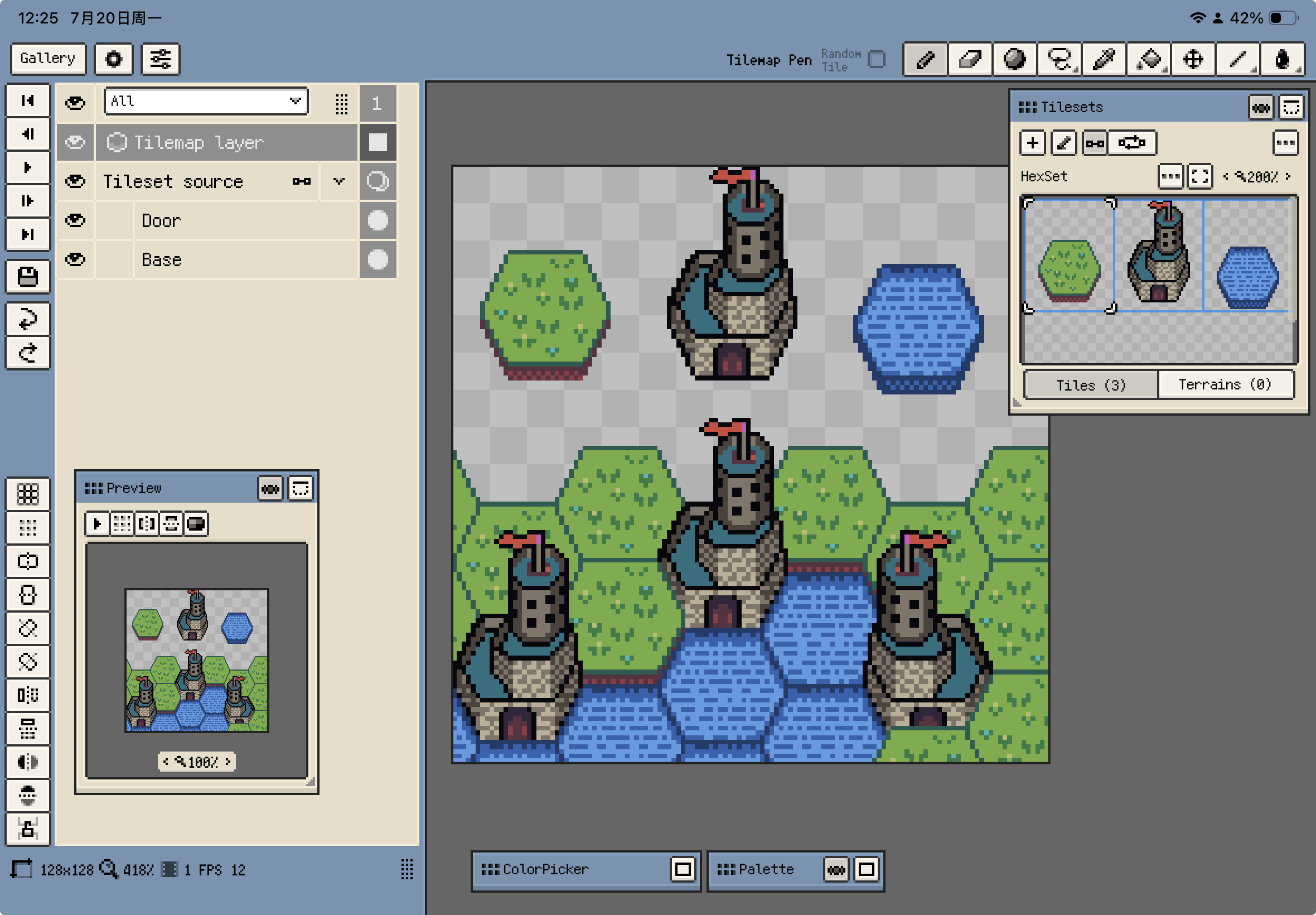
Build game maps with rectangular, isometric, and hexagonal tilemap layers, manage reusable tilesets, and exchange maps with Tiled.
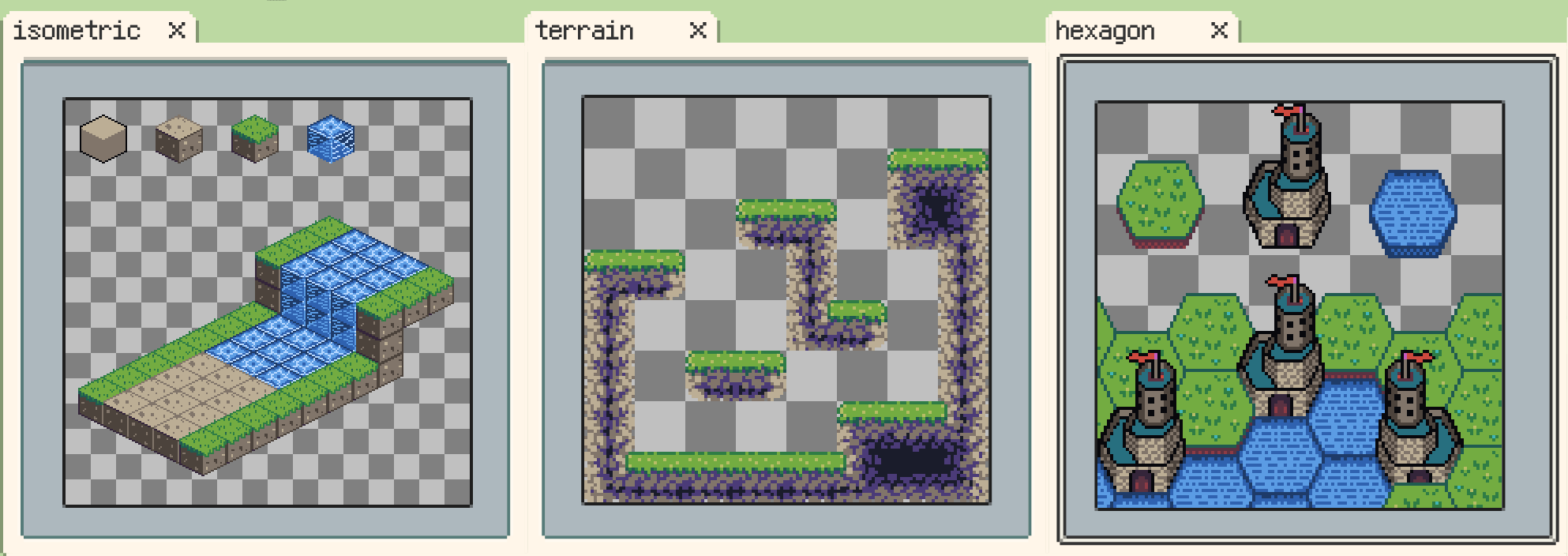
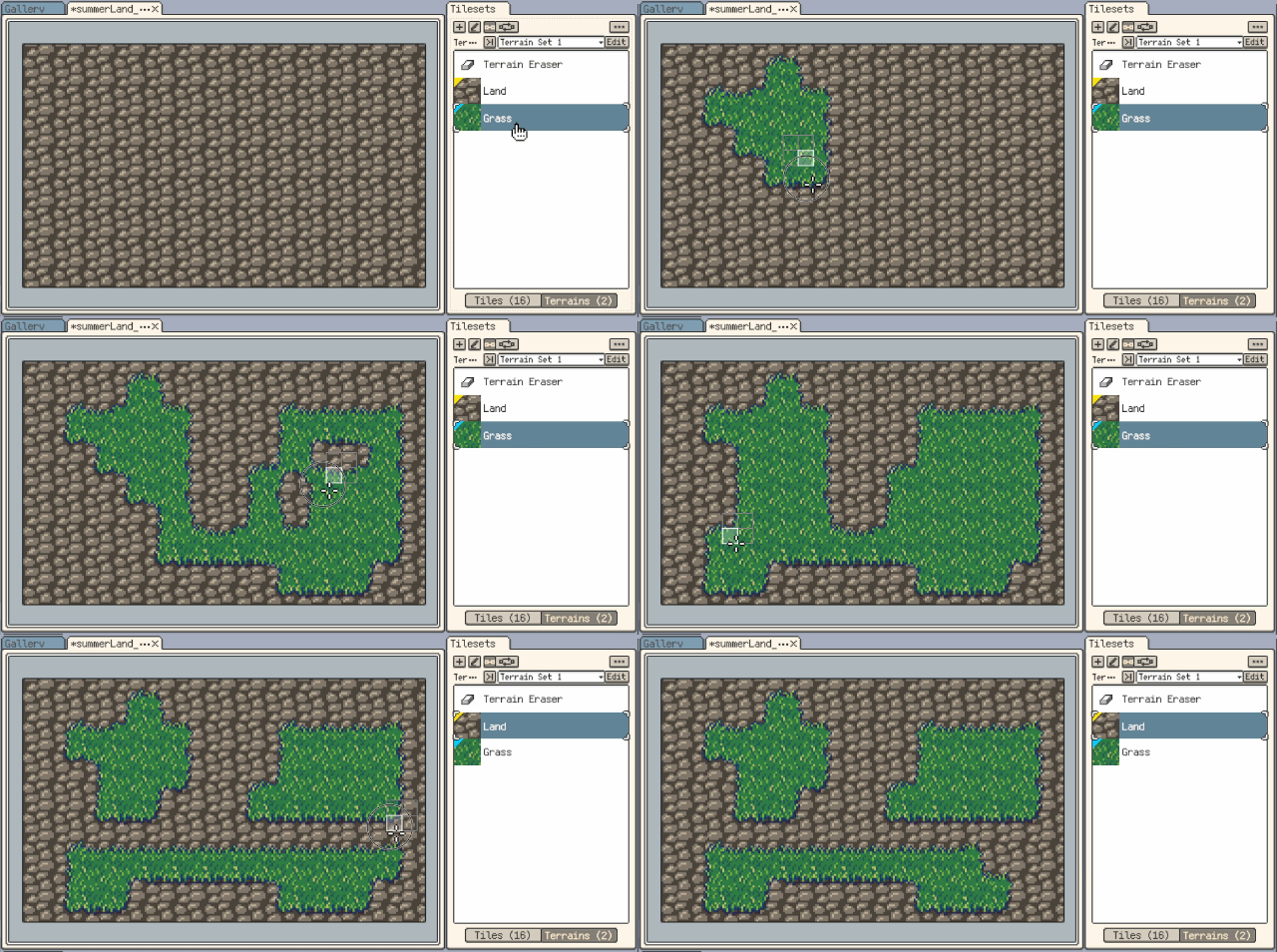
Define Corner, Edge, or Mixed terrain rules, then paint ground, shorelines, roads, and walls while Resprite automatically selects matching edge, corner, and connection tiles.
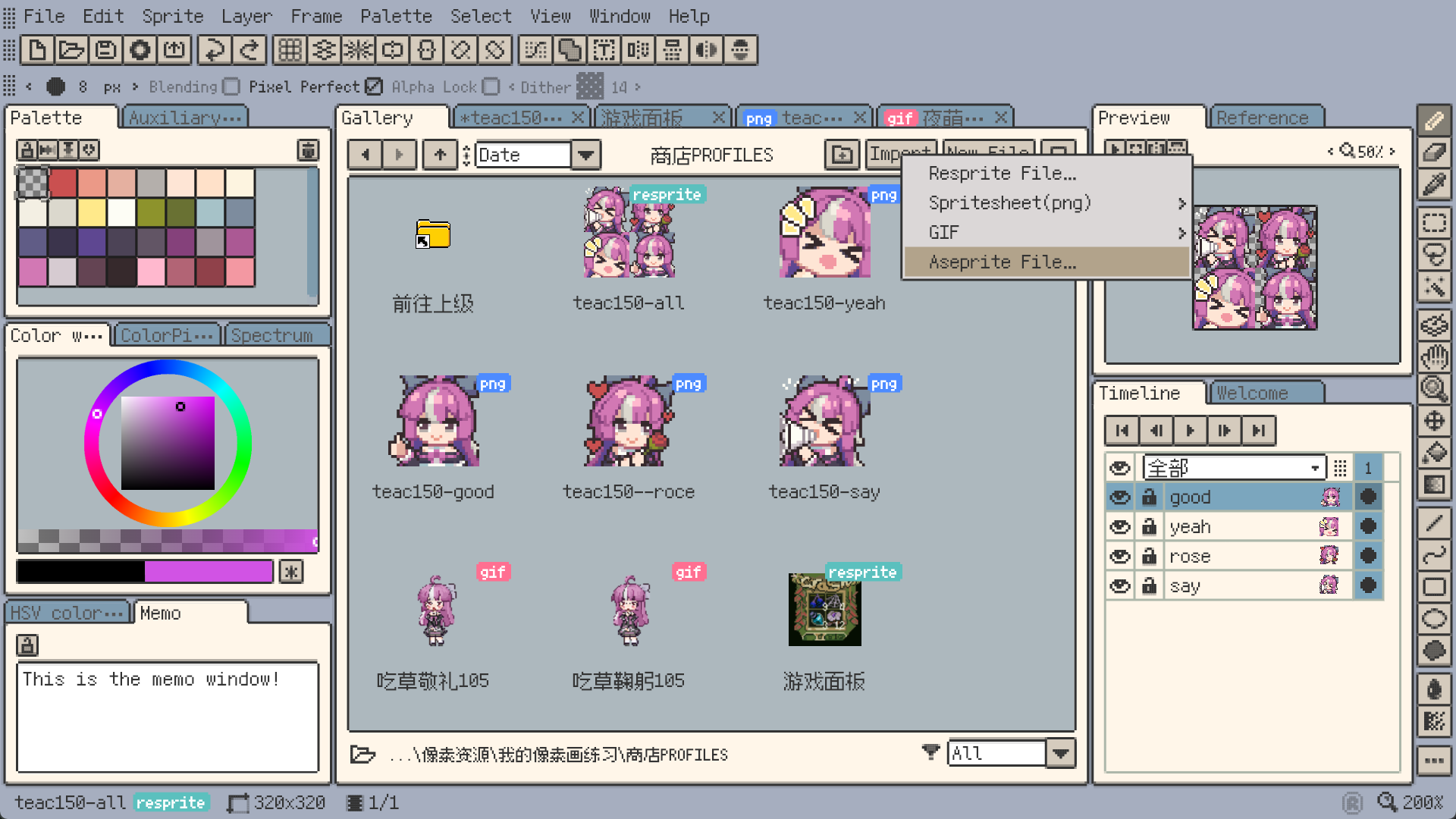
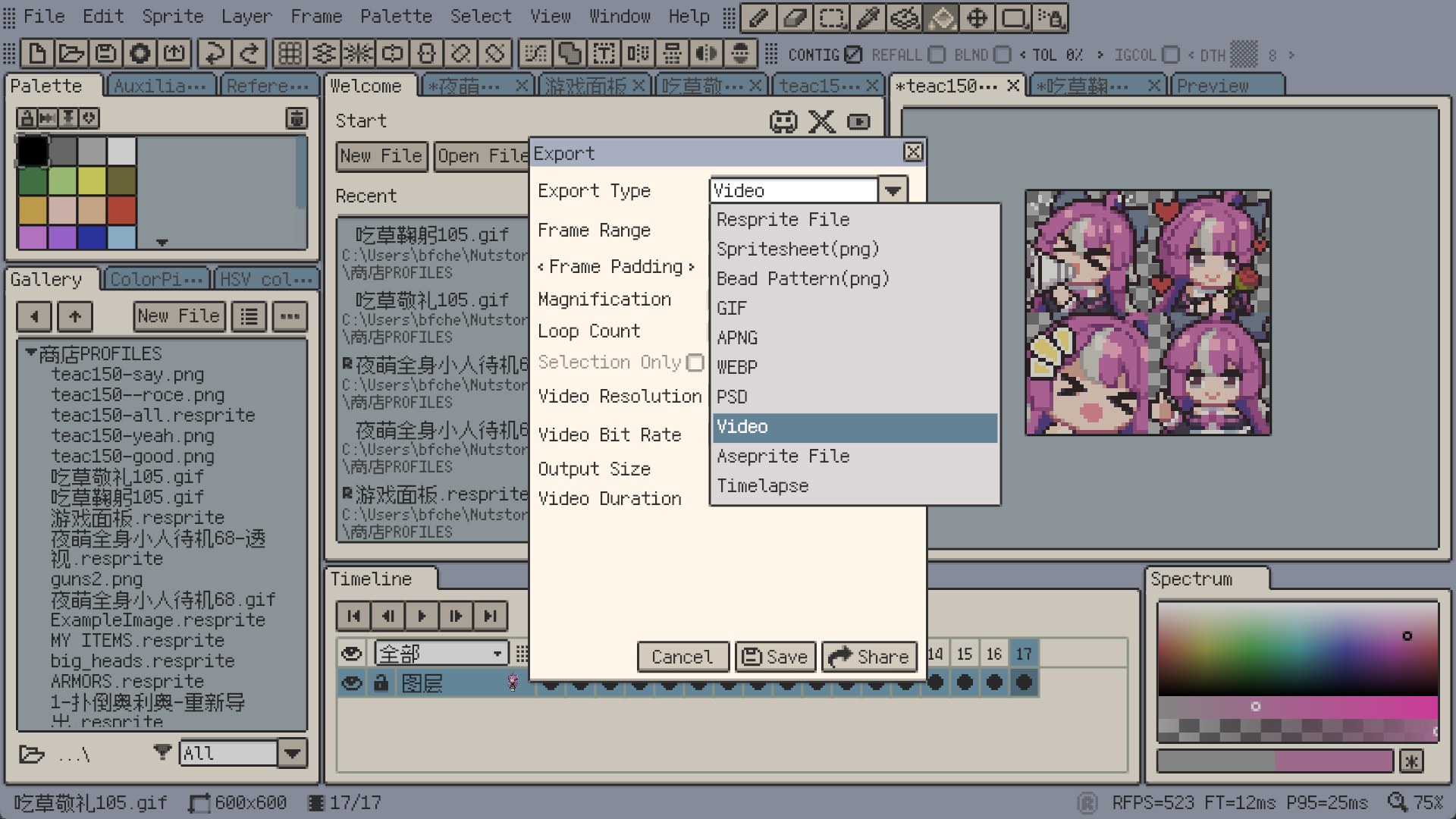
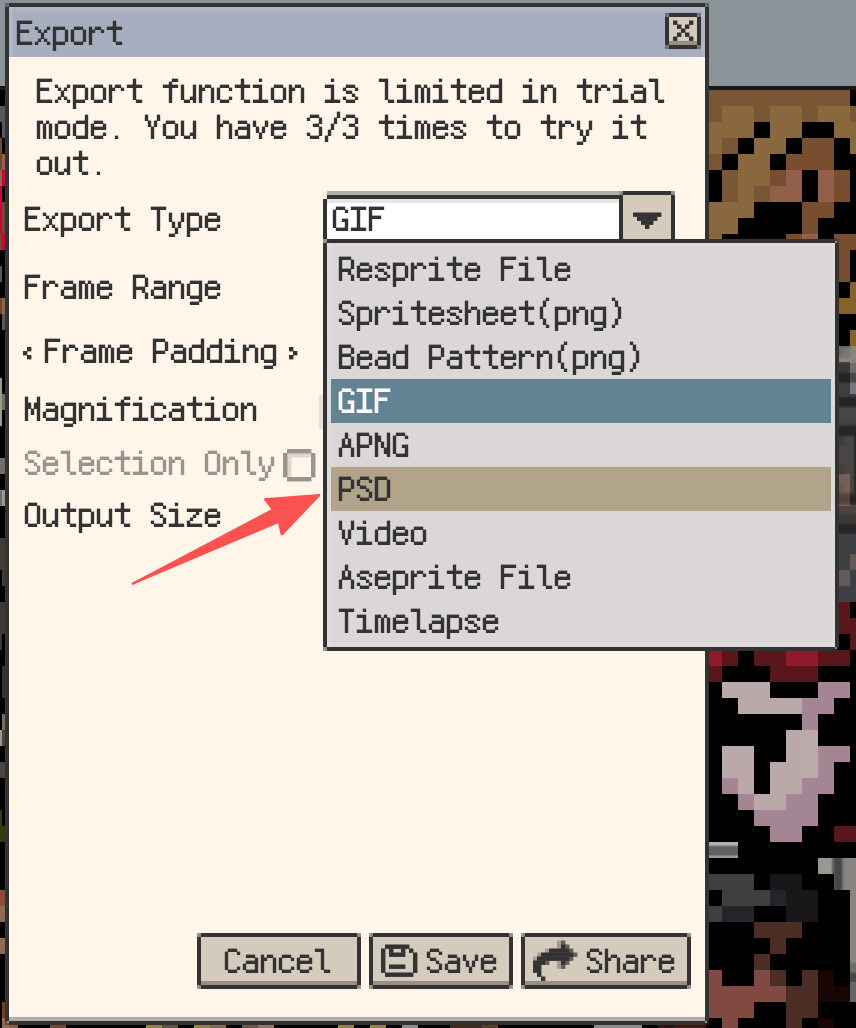
Import and export Aseprite, PSD, GIF, sprite sheets, and more.
Create crisp pixel lettering, HUD icons, and reusable glyph sets with Resprite Fonts, or use TTF/OTF for titles, multiline labels, and vertical text.
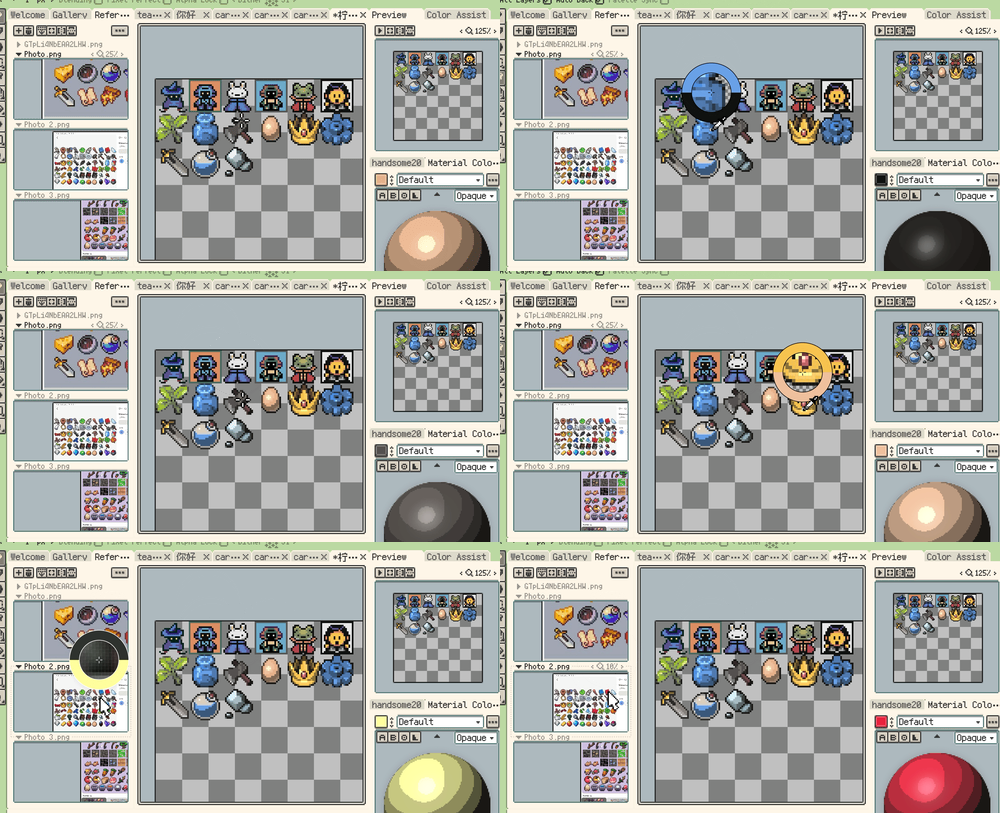
Generate palettes from artwork or reference images, pick precise pixels with the eyedropper loupe, and organize colors with interpolation, sorting, and presets.
Non-destructive stroke and hard-edged shadow effects that stay editable as layer content changes.
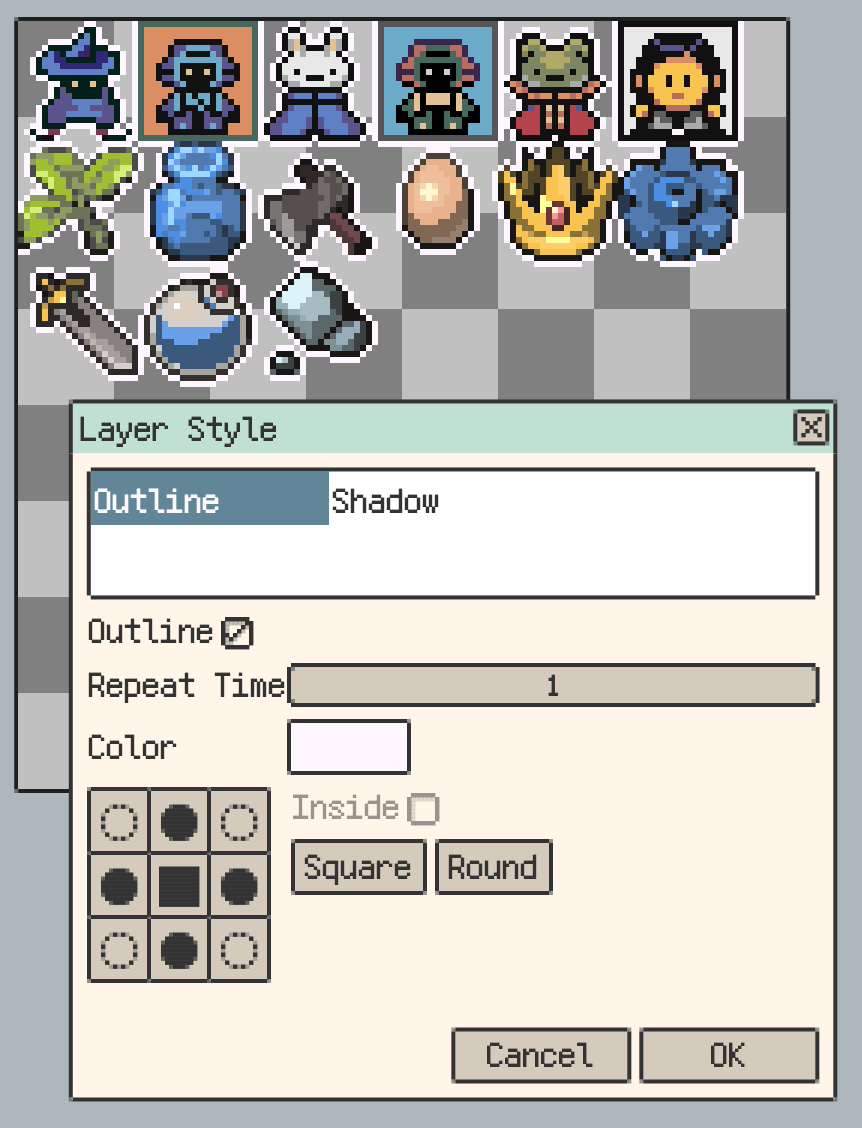
Fine-tune pixel art with precise outlines and color edits, including HSV, brightness/contrast, opacity, color replacement, palette quantization, blur, and invert/grayscale.
Preview seamless textures, looping backgrounds, and isometric or hexagonal tiling while you draw.
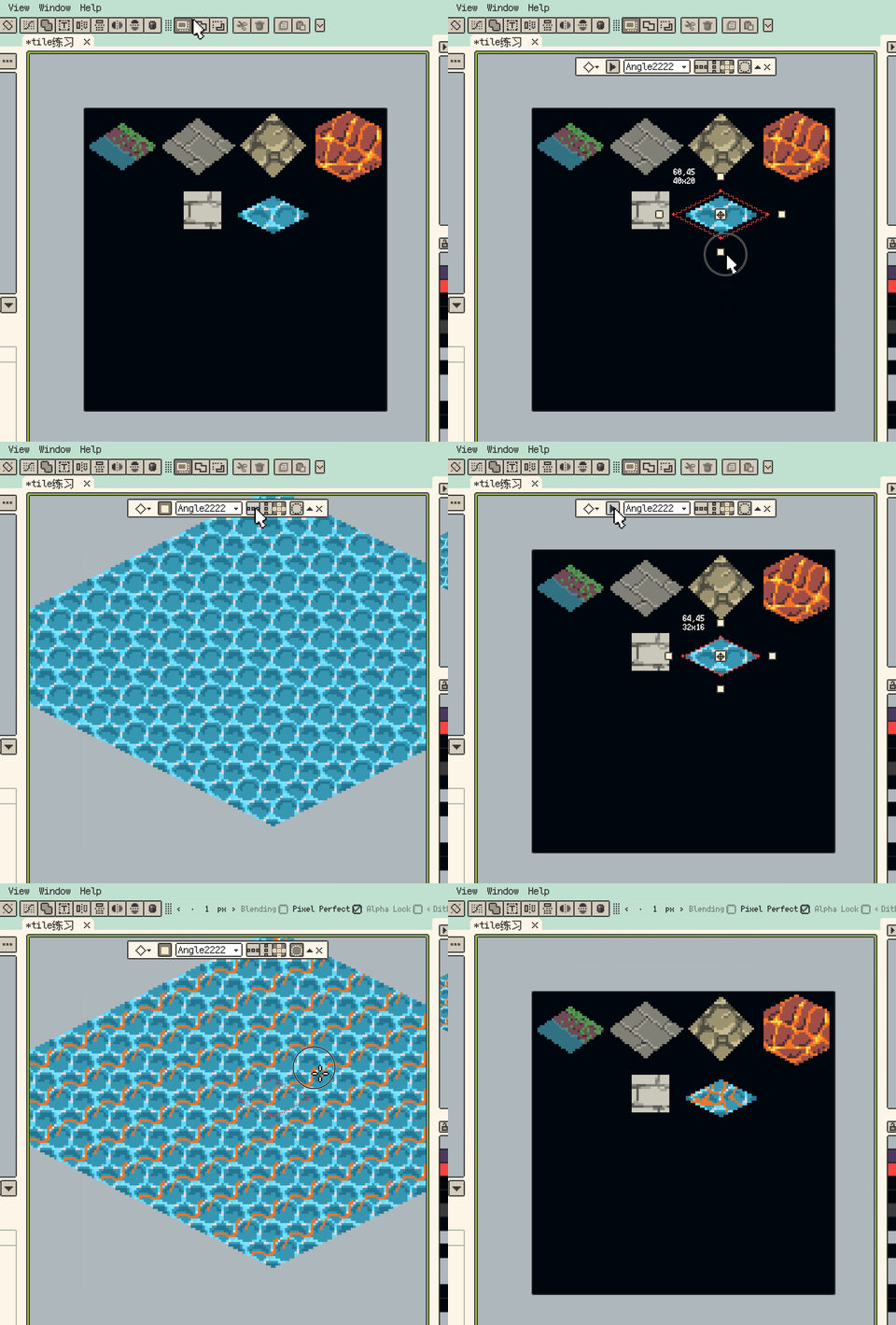
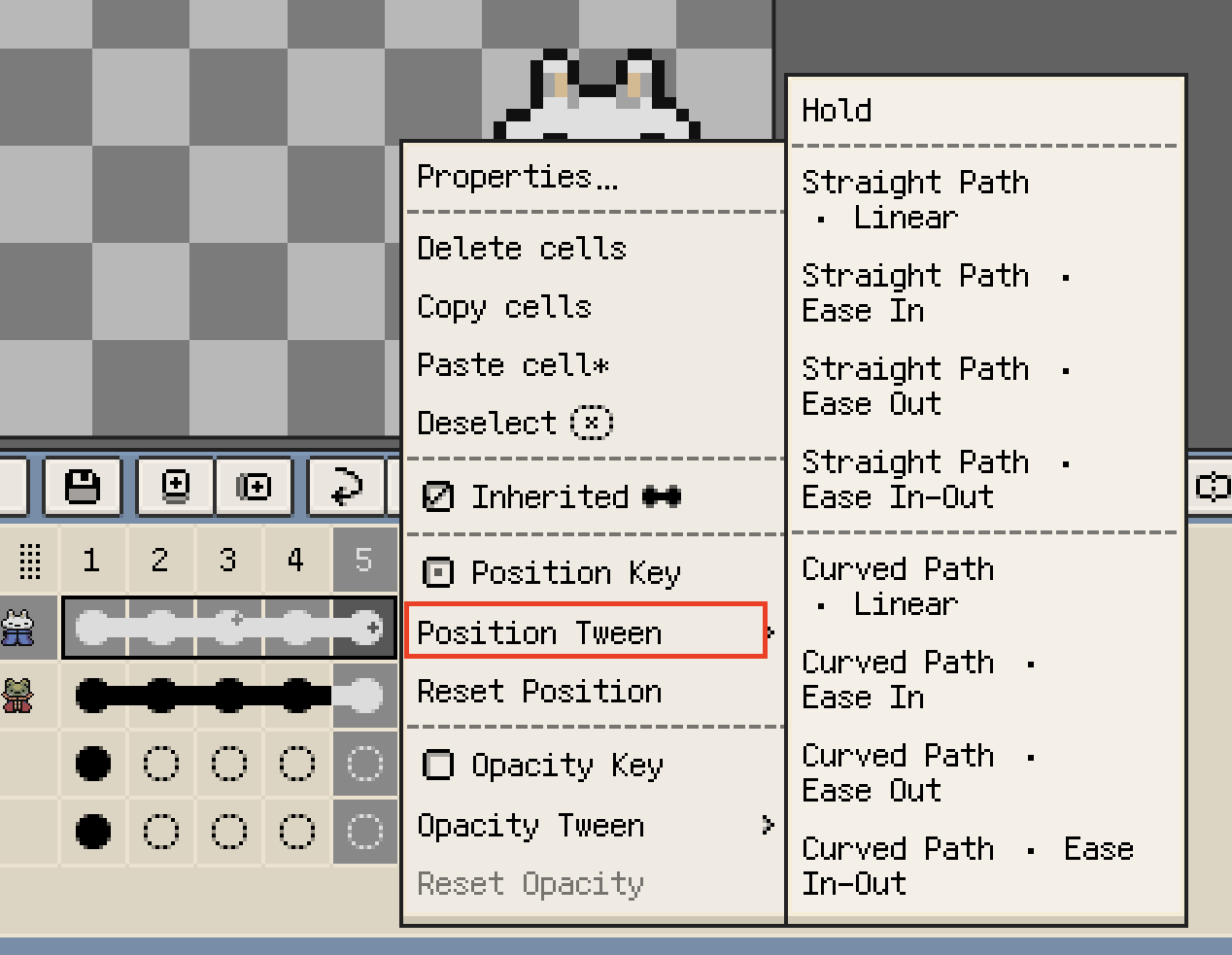
Manage frames, layers, clips, playback, and onion skin overlays for smooth pixel animation.
Use a lighting-based color sphere to explore highlights, midtones, and shadows, then add stepped colors directly to your palette.
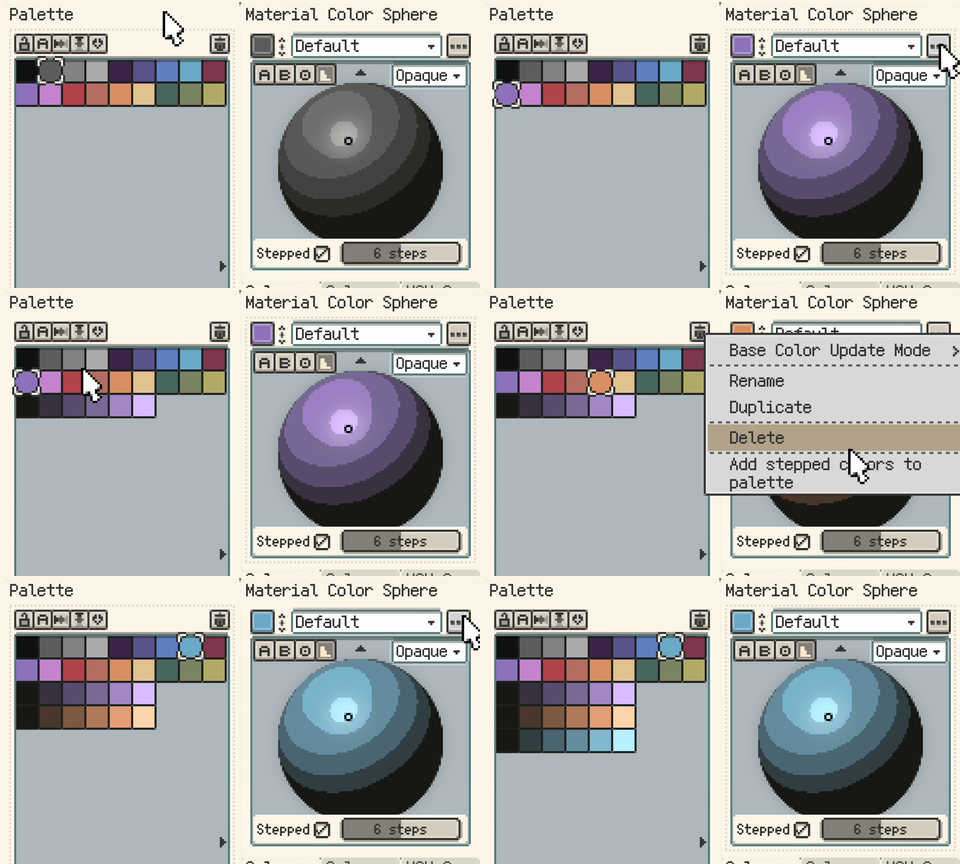
Keep colors, textures, highlights, and shadows inside existing shapes with flexible layer compositing.
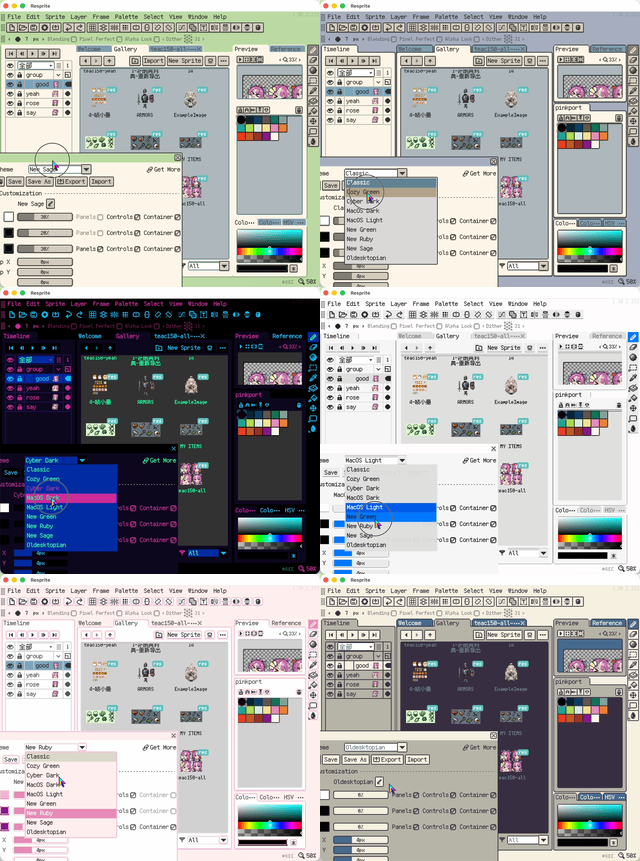
Customize themes, floating windows, saved layouts, and Focus Mode so drawing, palette work, and animation each fit your workspace.
Draw with Apple Pencil, keep touch gestures for color picking, fill, navigation, and frame control, and use the radial menu to adjust brushes without breaking flow.
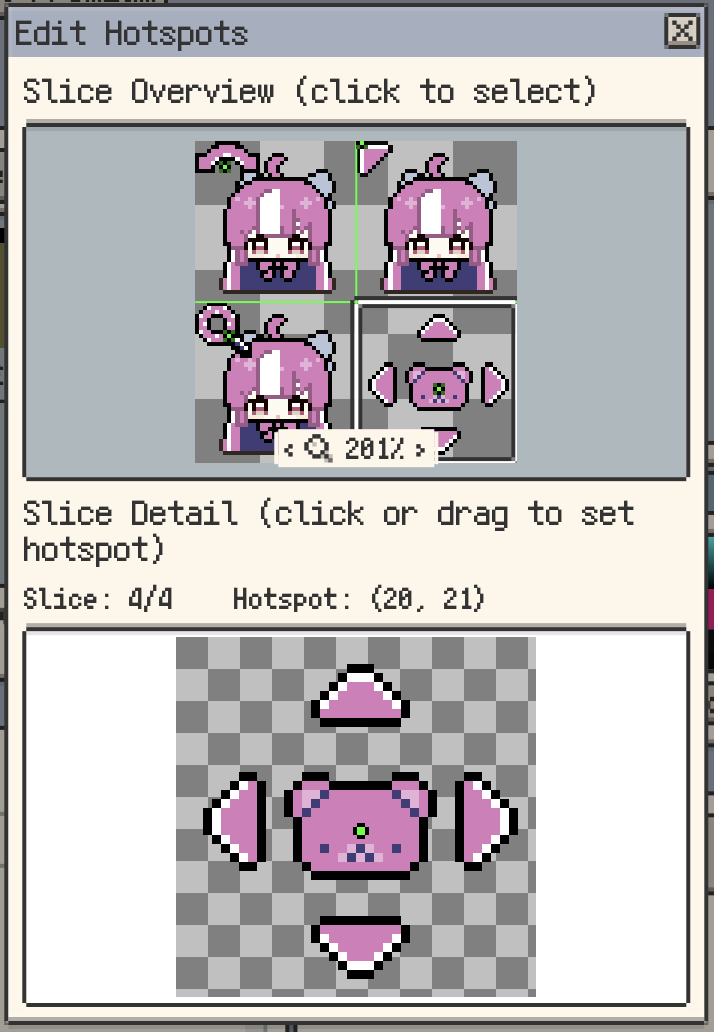
On desktop, manage and customize cursor packs, edit hotspots, and export Windows .cur/.ani cursor files for polished custom cursors.
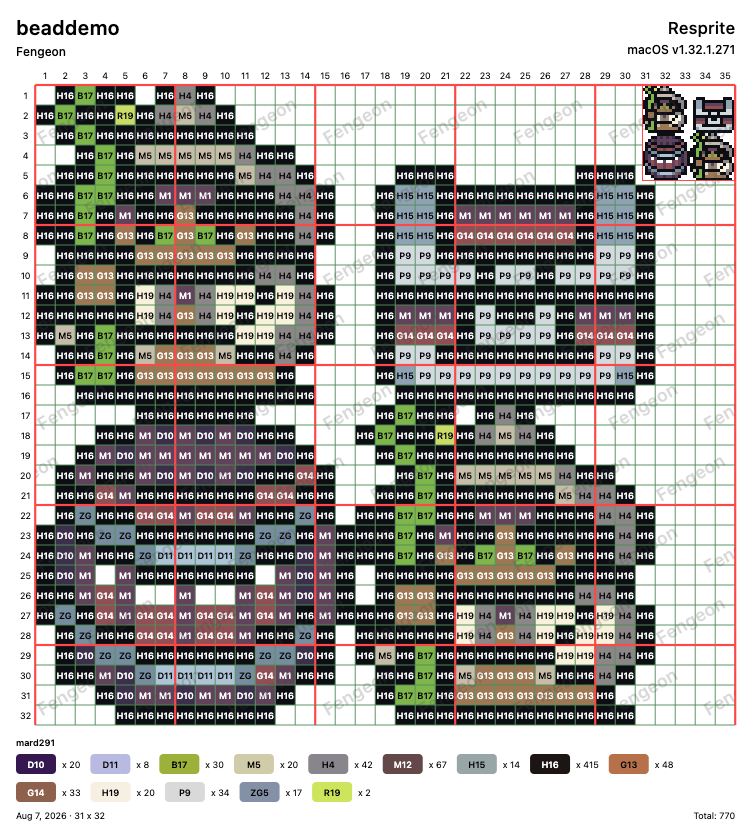
Export pixel art as bead pattern references with minor and major grids, palette color labels, and usage counts for easier bead planning.
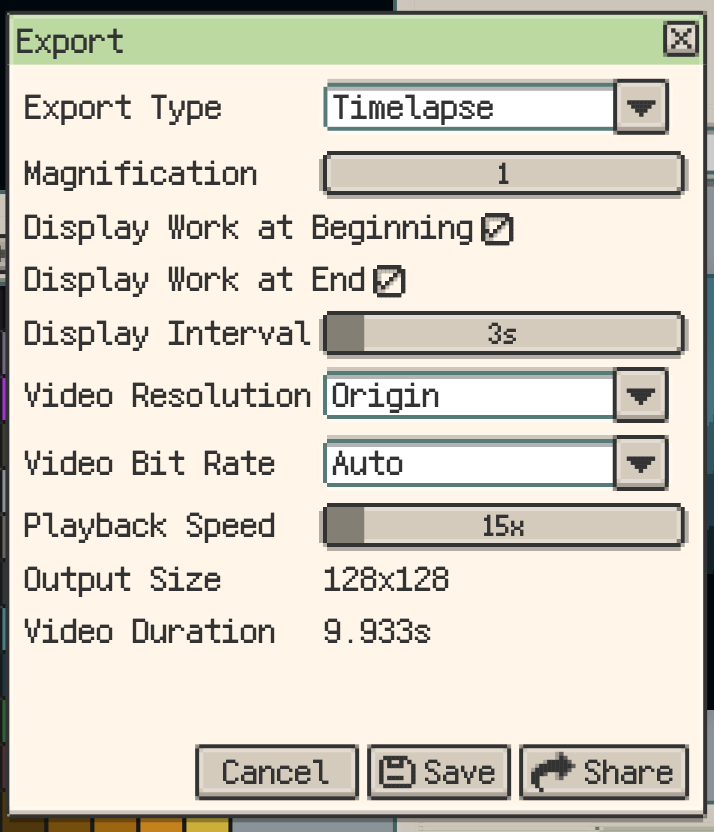
Record the drawing process and export polished timelapse videos with playback speed, loop, magnification, and bitrate controls.
Start your pixel art journey with Resprite
Latest Blog Posts