6 posts tagged with "iOS"

iOS

View all tags

Resprite iOS R55: Workspace Layouts, Detect Scale, and Ellipse Selection

Diandian
Content Editor

Resprite iOS R55 is now available. This release focuses on reducing setup friction and improving visual accuracy during editing. Workspace Layouts let you switch between saved panel setups, Detect Scale helps recover a cleaner base size after importing enlarged art, ellipse selection broadens fast masking workflows, and the new eyedropper loupe makes sampling from the canvas or reference images easier to trust. R55 also refines palette imports, preview-window controls, layer picking, and several Material Sphere undo flows.

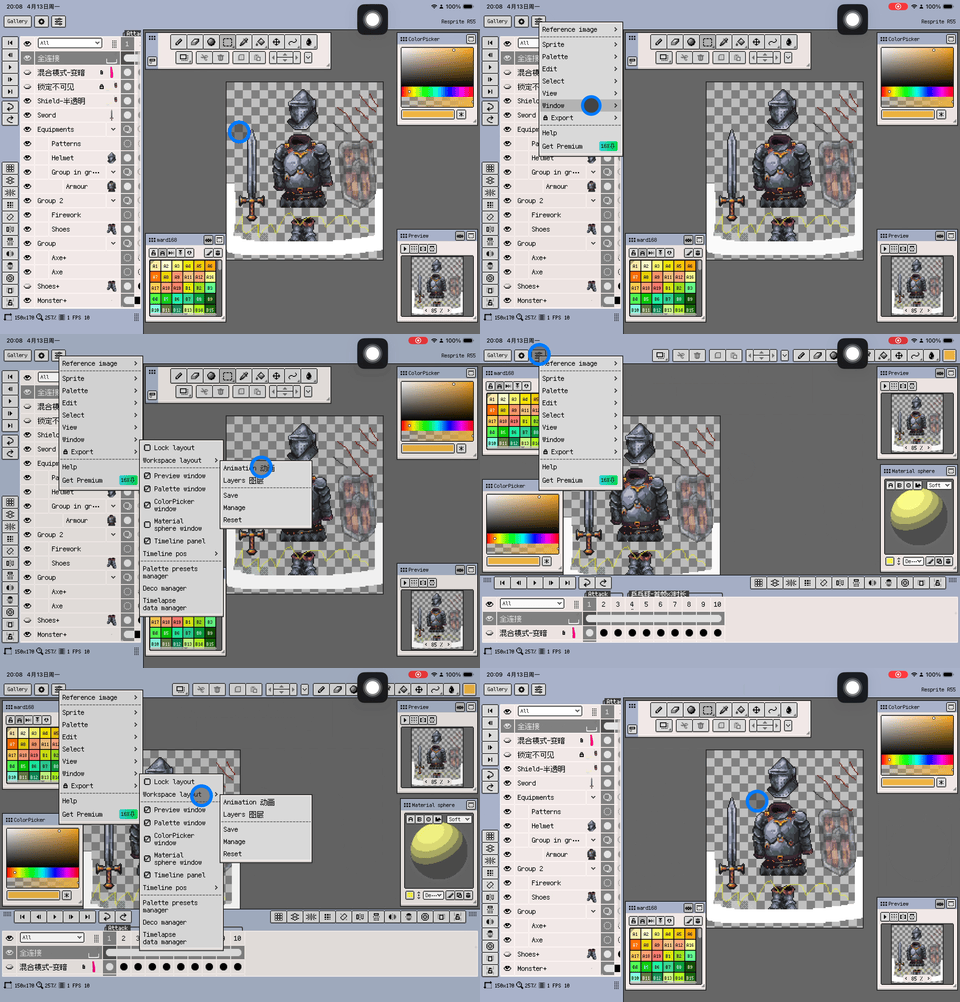
Workspace Layouts on iOS

Resprite iOS R54: Remote Palette Imports, Trusted Websites, and Better Bead Patterns

Diandian
Content Editor

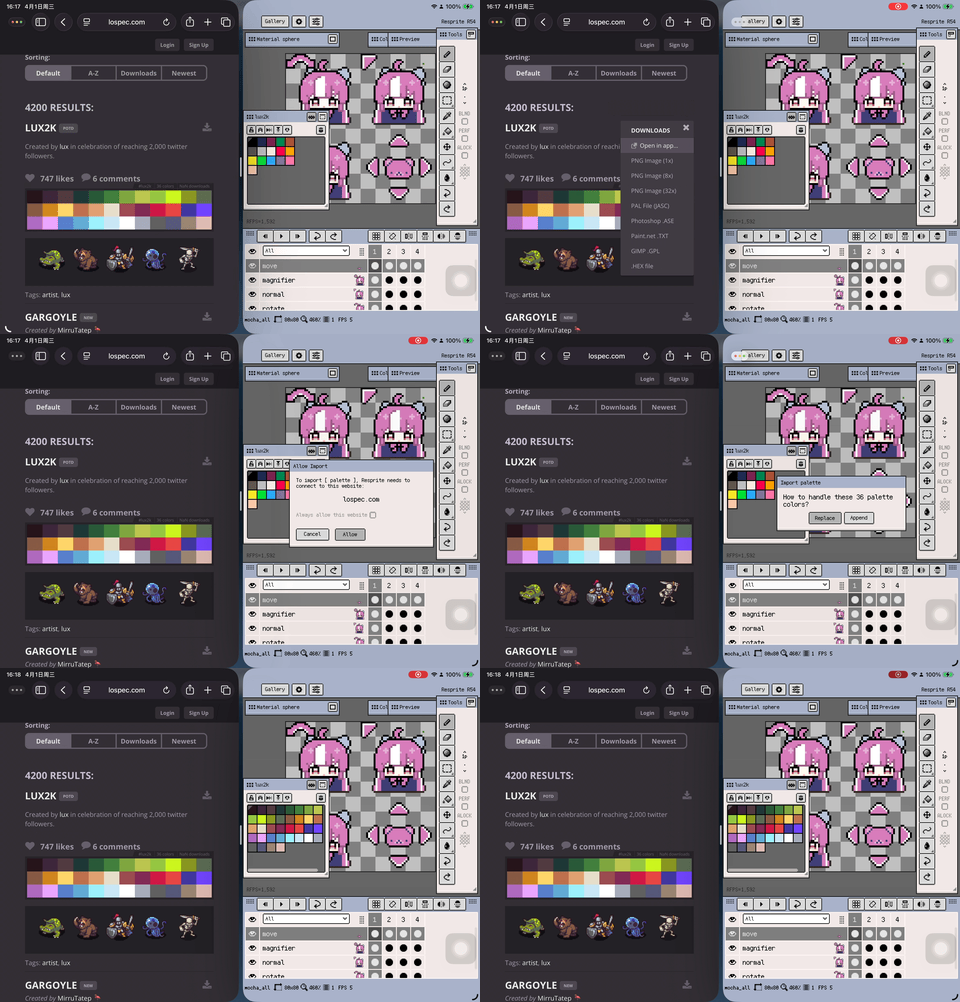
Resprite iOS R54 is now available. This update sharpens two everyday workflows: bringing palettes into Resprite directly from palette links you discover on the web, and giving Bead Pattern export more precise grid controls. It also adds Trusted Websites management so repeated imports from approved sites feel safer and smoother, while cleaning up palette-name display and default export behaviour.

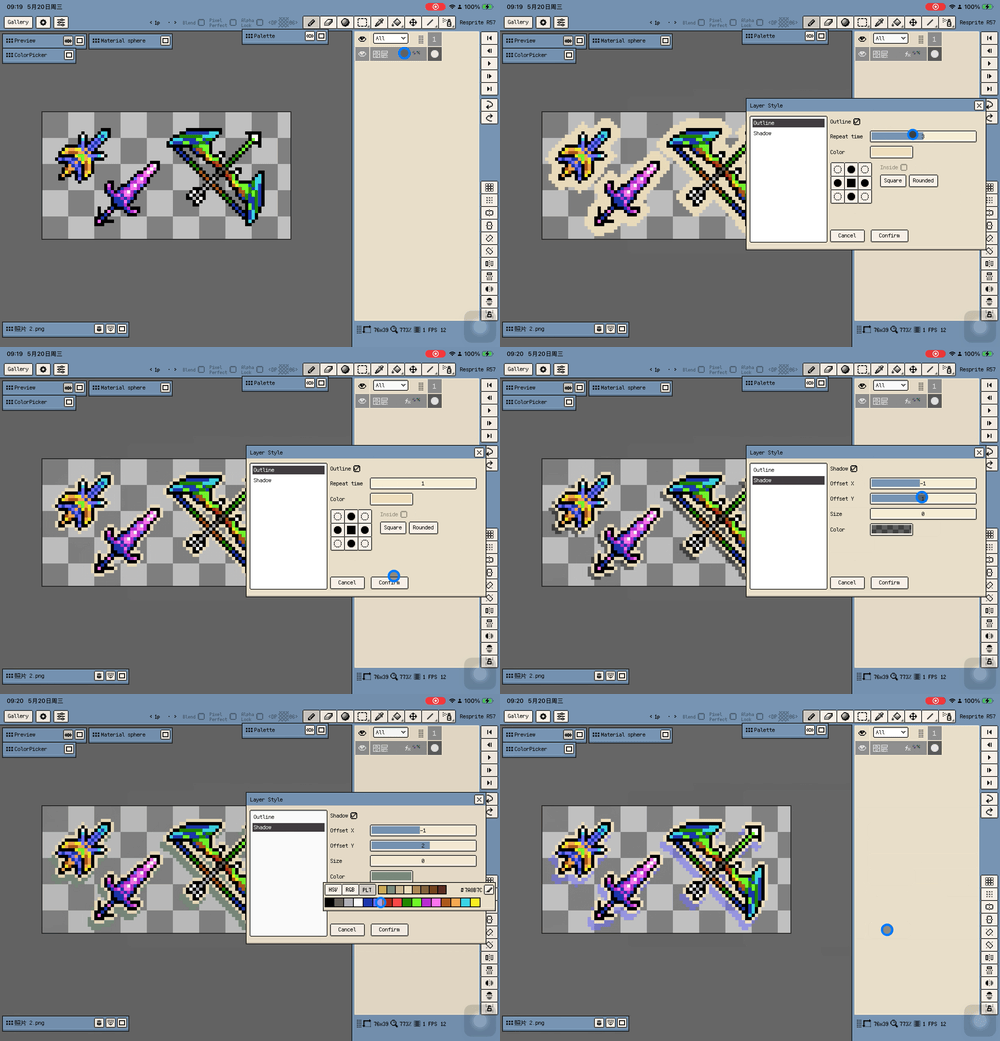
Import palettes from palette links

Resprite iOS R53: Tiled Mode, PSD Import, and Material Color Sphere

Diandian
Content Editor

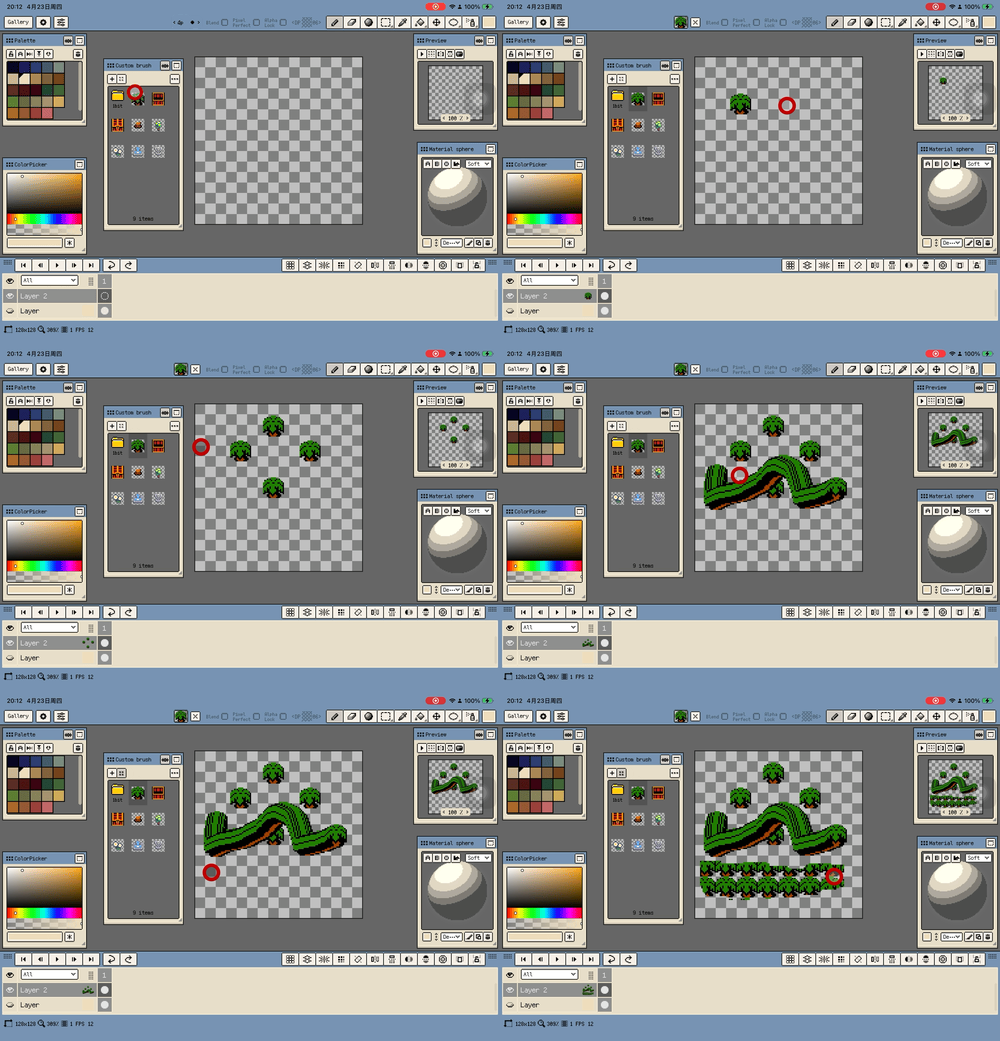
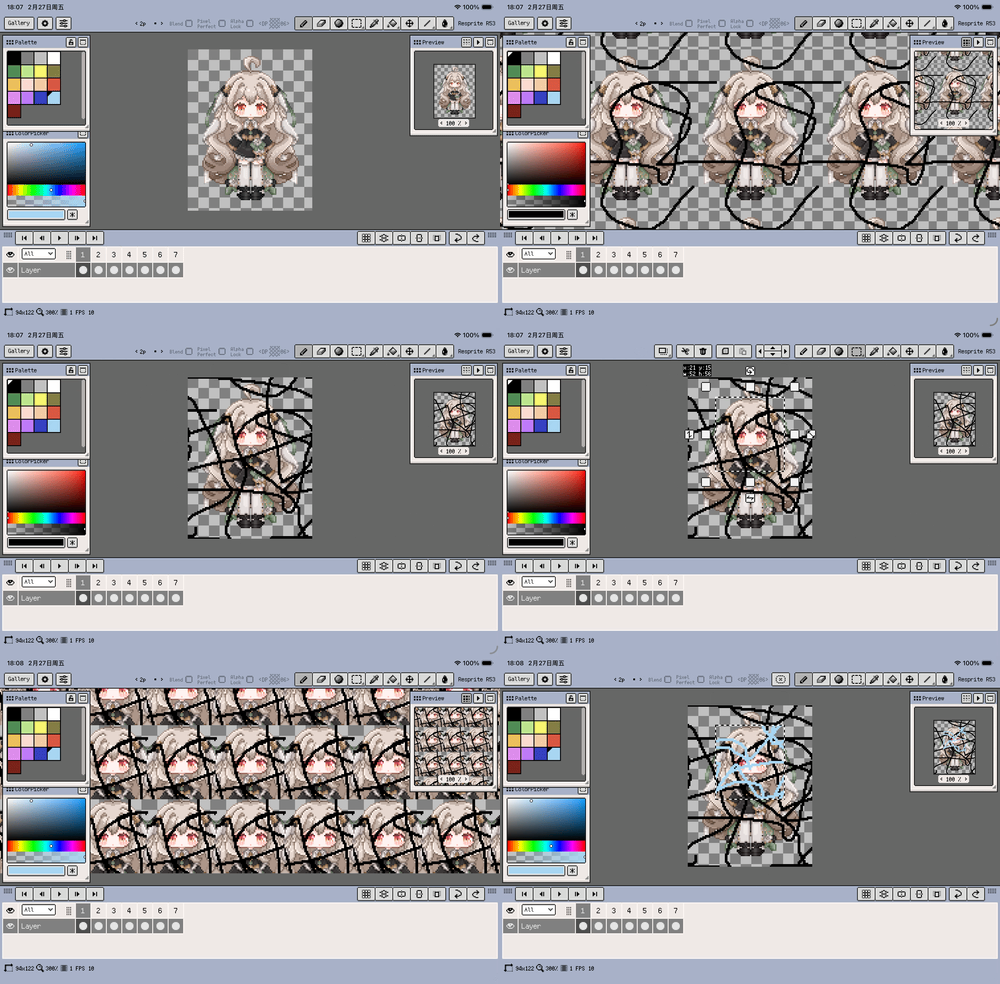
Resprite iOS R53 is now available. This release focuses on three big workflow upgrades: the new Tiled Mode replaces the older tiled preview flow, PSD files can now be imported directly on iOS, and Material Color Sphere makes lighting-oriented color picking faster. Around those headline features, R53 also improves palette naming, timeline clip editing, color adjustment, bead pattern output, arithmetic numeric fields, and project compatibility across versions.

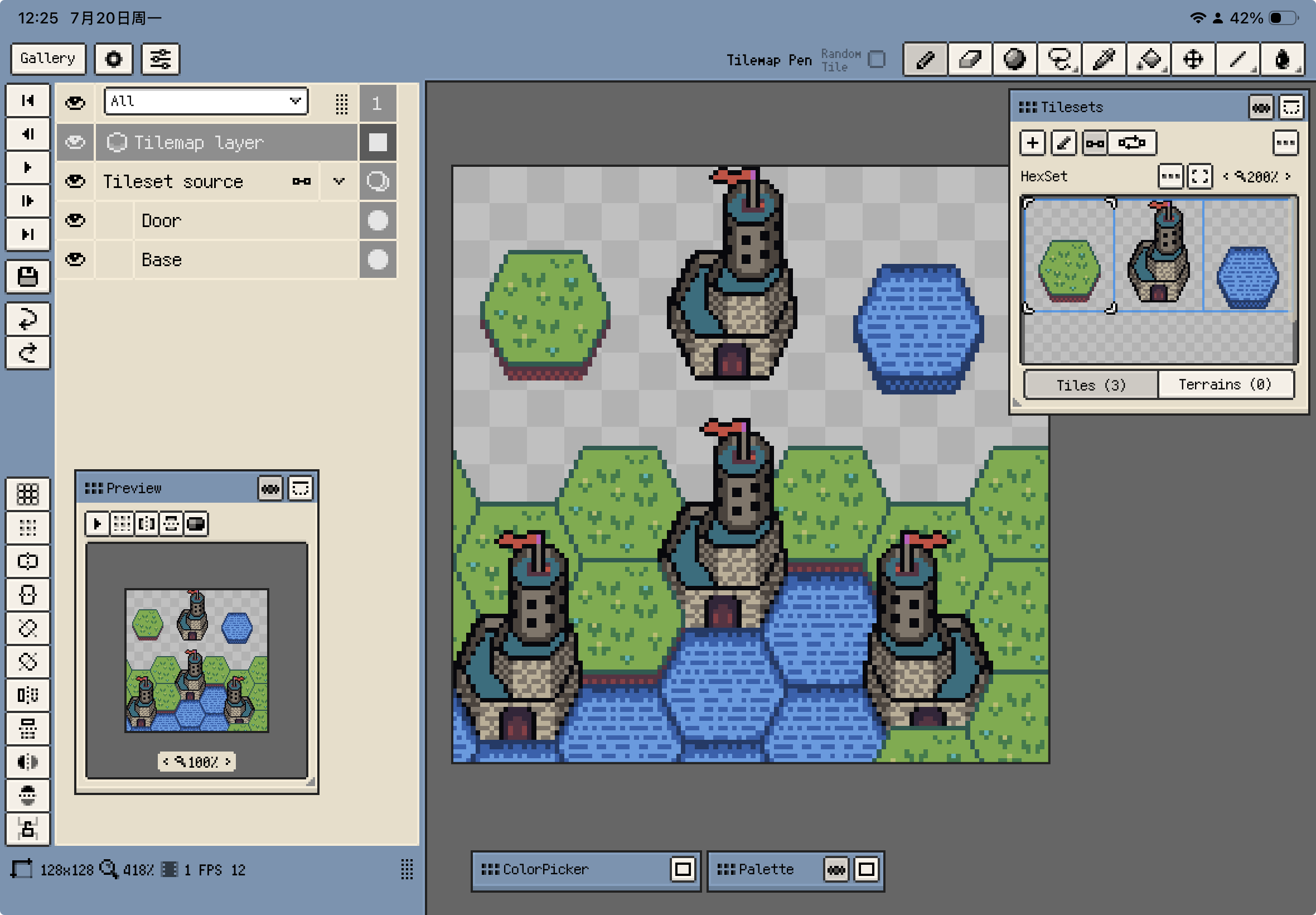
Tiled Mode preview

Resprite iOS r50: Layout Locking, iOS 26 Support, and Editing Workflow Upgrades

Diandian
Content Editor

We are excited to announce the official release of Resprite iOS r50! This update brings layout locking, iOS 26 compatibility, performance optimizations, and fixes for various issues. Details below:

  • New: Layout locking feature that prevents windows from being moved once locked (Menu - Window - Lock Layout, button can be added to action bar)

Lock Layout

  • Improved: Added support for canvas zooming and rotation using trackpad and tourbox
  • Improved: Compatibility with iOS 26