Resprite iOS R59: Tilemap Layers, Tiled Map Exchange, and Terrain Painting
Resprite iOS R59 is now available. This release introduces a complete tilemap workflow for creating rectangular, isometric diamond, and hexagonal maps. You can manage document tilesets, exchange TMX/TSX data with Tiled, define terrain rules, paint connected terrain, edit tilesets through linked layers, and animate tiles from the timeline. It also includes several other improvements and fixes.
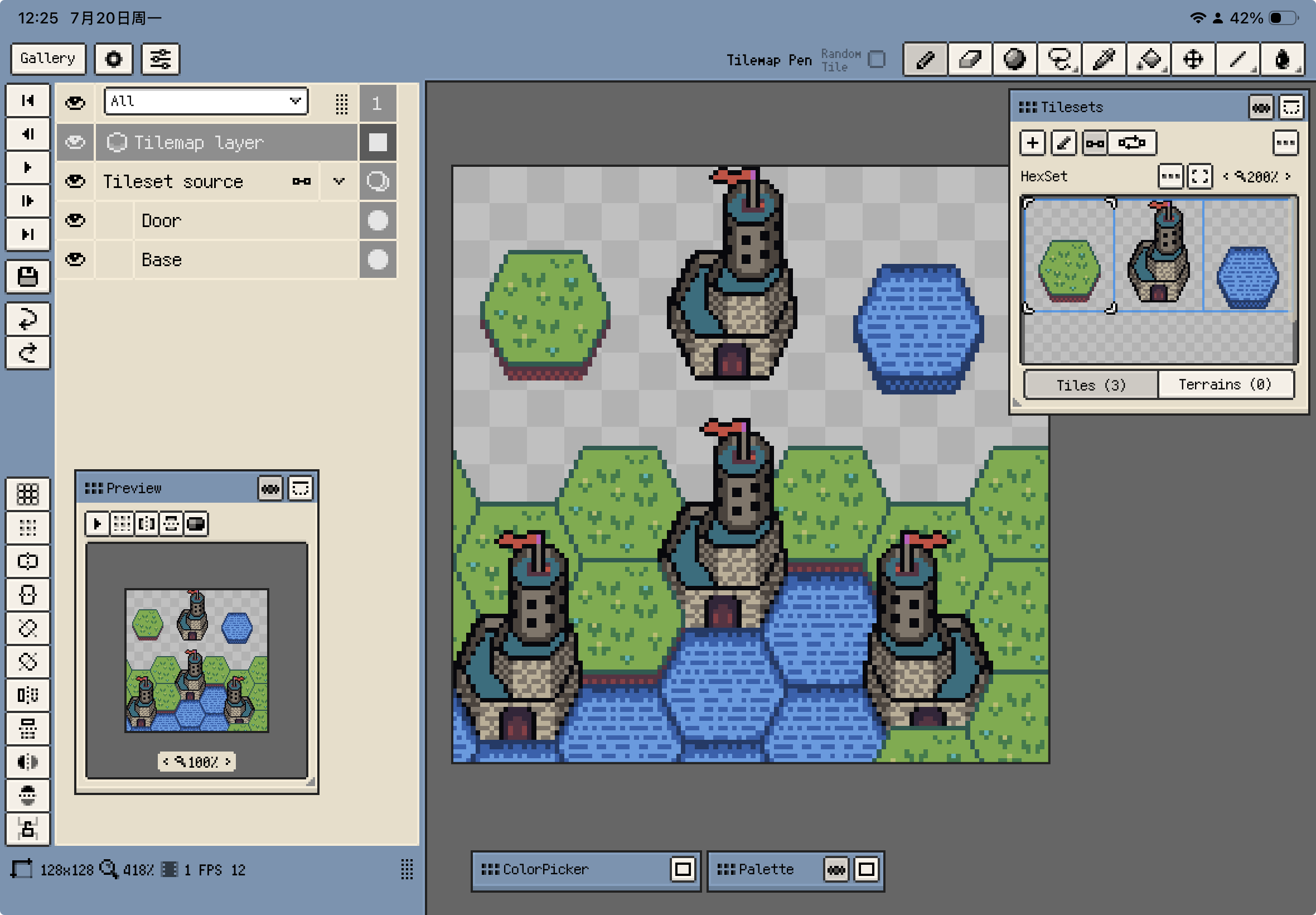
Tilemap Layers and Tilesets
- Documents can now contain rectangular, isometric diamond, and hexagonal Tilemap Layers.
- The new tileset management system lets you import and manage document tilesets, then select tiles from the Tilesets window for drawing.
.respritefiles containing Tilemap Layers should be opened with DA 1.32.0 / iOS R59 or later. Older versions may not read or edit them correctly.- Tiled TMX/TSX import and Tiled Map export make it easier to migrate maps from Tiled or exchange common tilemap formats.
- Linked Tileset Layers let you edit tileset image content through normal layers and refresh the result back into the tileset.
- Tiles can now use animation sequences driven by the timeline.
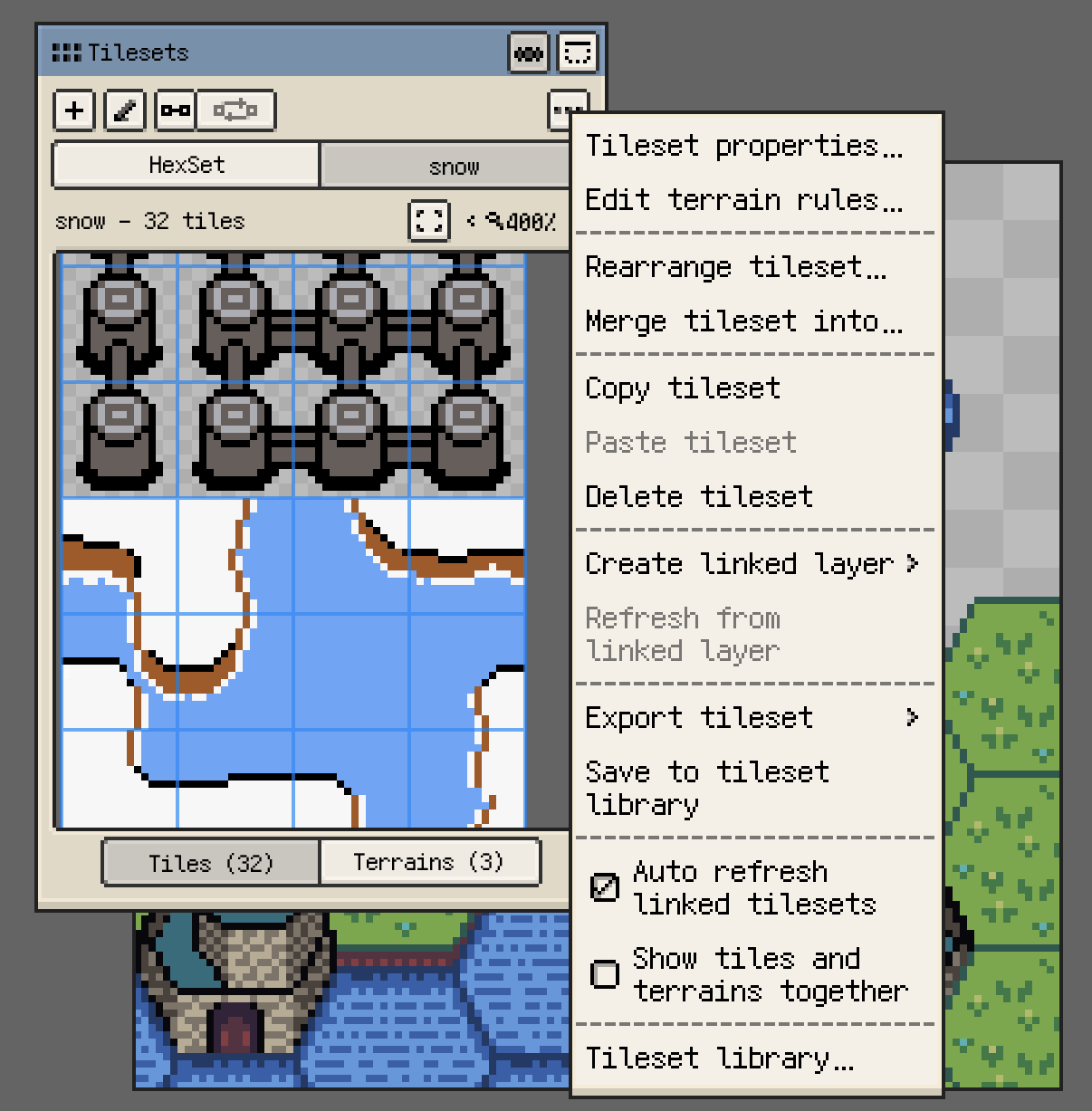
Terrain and Examples
- Tilesets can now define terrain sets, terrains, and rules for quickly painting connected areas on Tilemap Layers.
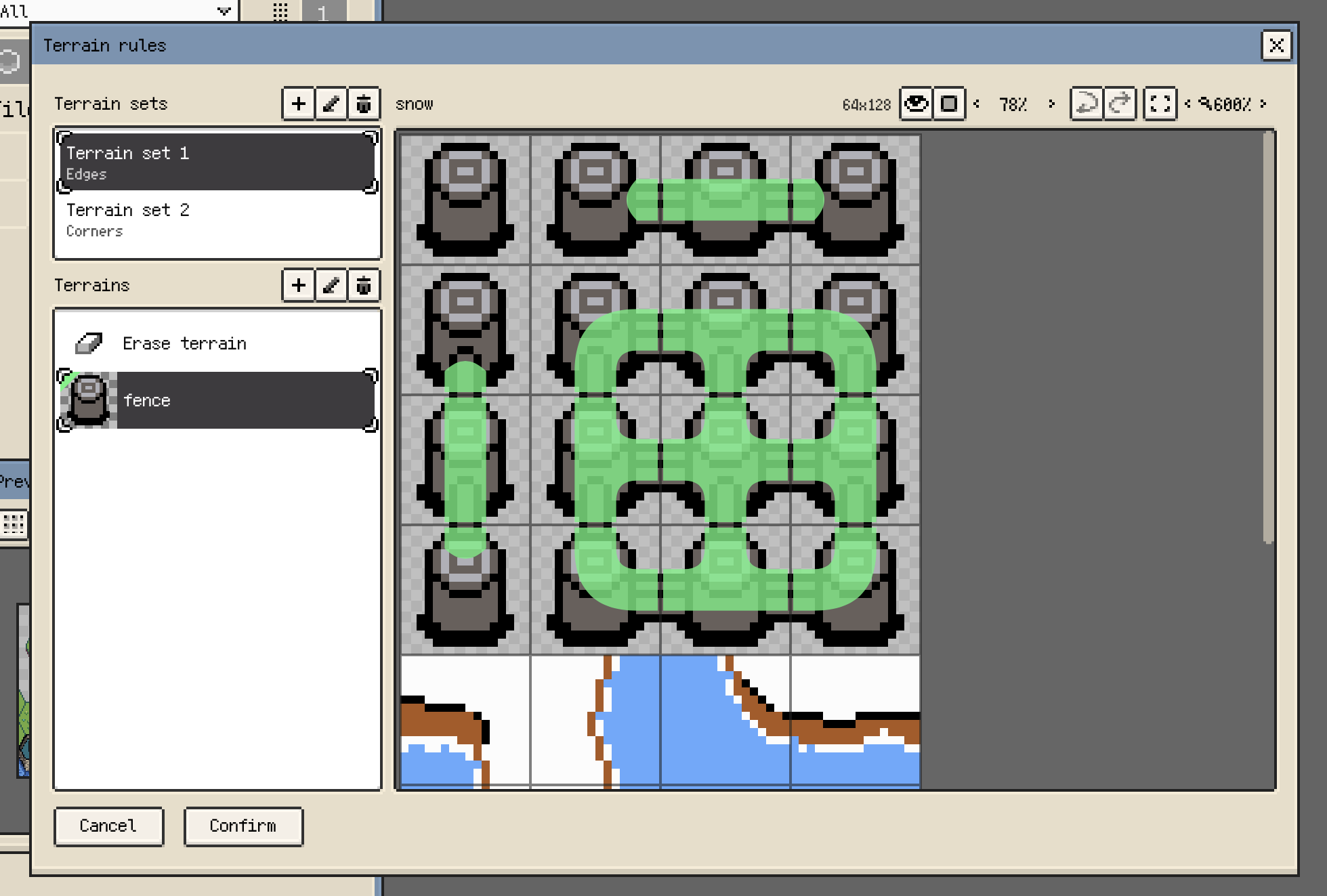
- Bundled examples have moved into the
examplesfolder, with new isometric tilemap, terrain painting, and hexagonal tilemap projects for learning the corresponding workflows.
Canvas and Workspace Refinements
- Trim Empty Border now calculates bounds from visible raster and tilemap content only, so hidden layers and content inside hidden groups no longer enlarge the trim area.
- Action bars in the Preview, Palette, and Brush Library floating windows now collapse lower-priority actions into a menu on narrow panels, preventing button overflow while keeping the actions available.
- New high canvas zoom steps include 500%, 600%, 1200%, and 2400%, reducing jumps while zooming in.
- Isometric Diamond and Hexagon Tiled Mode profiles can switch between wide and tall axis orientations, making steeper flat-top hex profiles easier to set up.
- Eraser now supports the configured canvas long-press action with consistent movement thresholds on raster and Tilemap Layers. After long-press color picking, Resprite returns to the most recently used color-drawing tool; on Tilemap Layers, it prefers a tool compatible with the current tile or terrain source and falls back to Pen when needed.
- Arrow-key and move-button steps with isometric grid snapping now match Tilemap Layer selection movement: Up moves right-up, Right moves right-down, Down moves left-down, and Left moves left-up.
Palettes and Fixes
- Added the built-in MARD 291 bead palette.
- Updated the default palette to
Resprite28and added the built-inConsole32andHandheld24palette presets. - Removed the built-in MARD 168 palette preset. MARD 221 and MARD 291 remain available as the built-in bead palettes.
- Corrected color deviations in some MARD 221 palette colors so the built-in palette matches the reference values.
- With grid snapping enabled, the Eyedropper tool and canvas pick-color gestures now sample the actual pointer position instead of snapping to grid nodes or grid-step positions.
- Palette import now rejects GPL/RPL files with no color entries or invalid content. Deep Link network, server-response, and download-verification failures are also reported consistently as import errors. Invalid presets no longer enter the preset list or leave a new document with an empty default palette, and empty palettes are no longer saved or exported as invalid files.
Thanks for reading and for your continued support. If you have feedback or suggestions, please contact us.