Resprite DA v1.33 changelog
v1.33.0
Release date: 2026-10-25
New
- Added Noise Filter with brightness noise, color noise, and custom color dots.
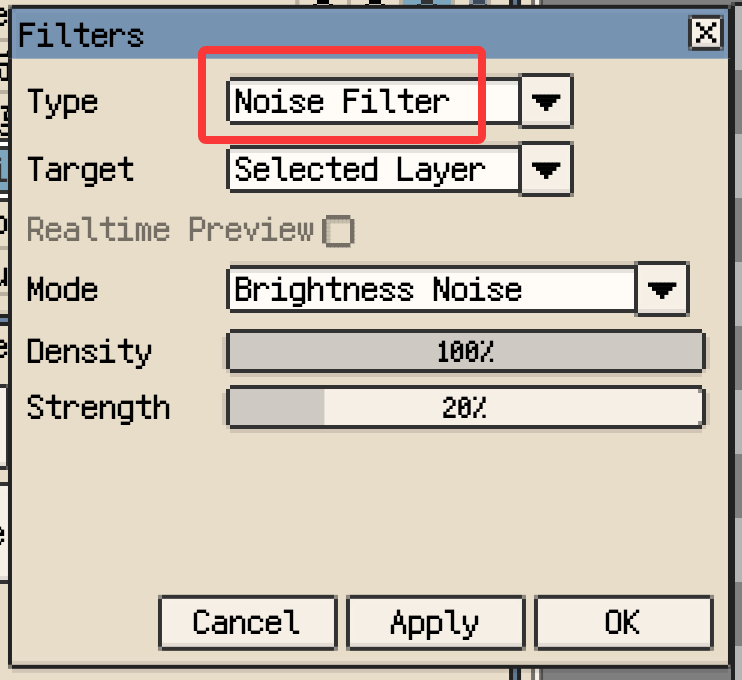
Noise Filter settings
- Added Levels (beta) with per-channel adjustment.

Levels (beta) with per-channel adjustment
- Added Curves (beta) for per-channel tone and color adjustments.
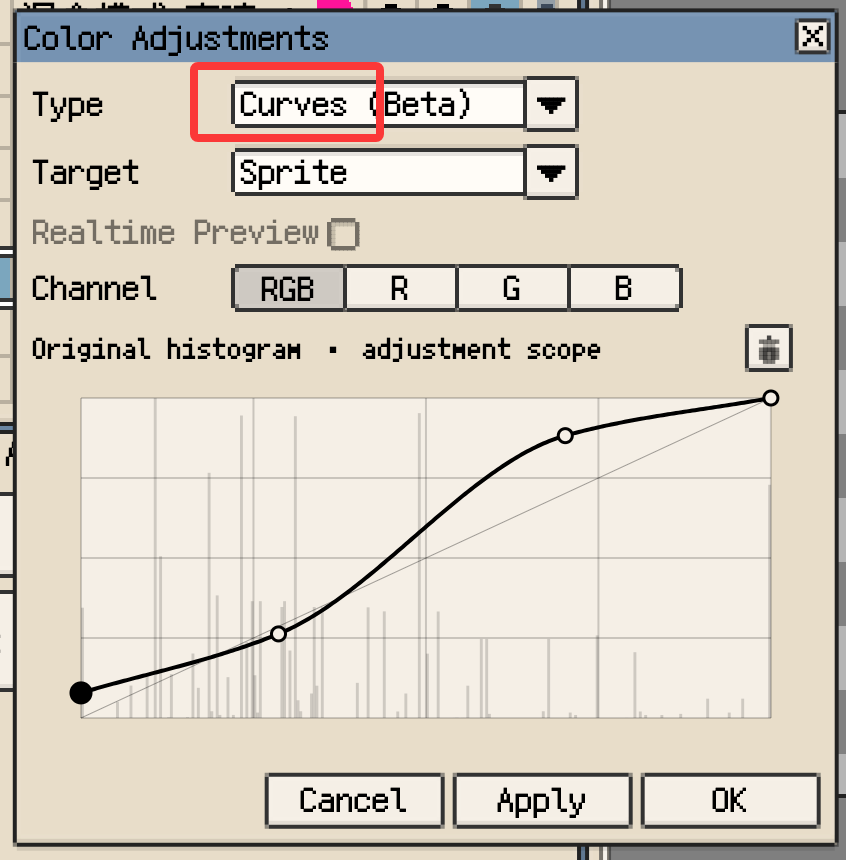
Curves (beta) with per-channel adjustment
- Added Rotate View Tool with mouse or pen dragging, keyboard shortcuts, and one-click reset.
- Export tilemaps directly as Godot scenes.
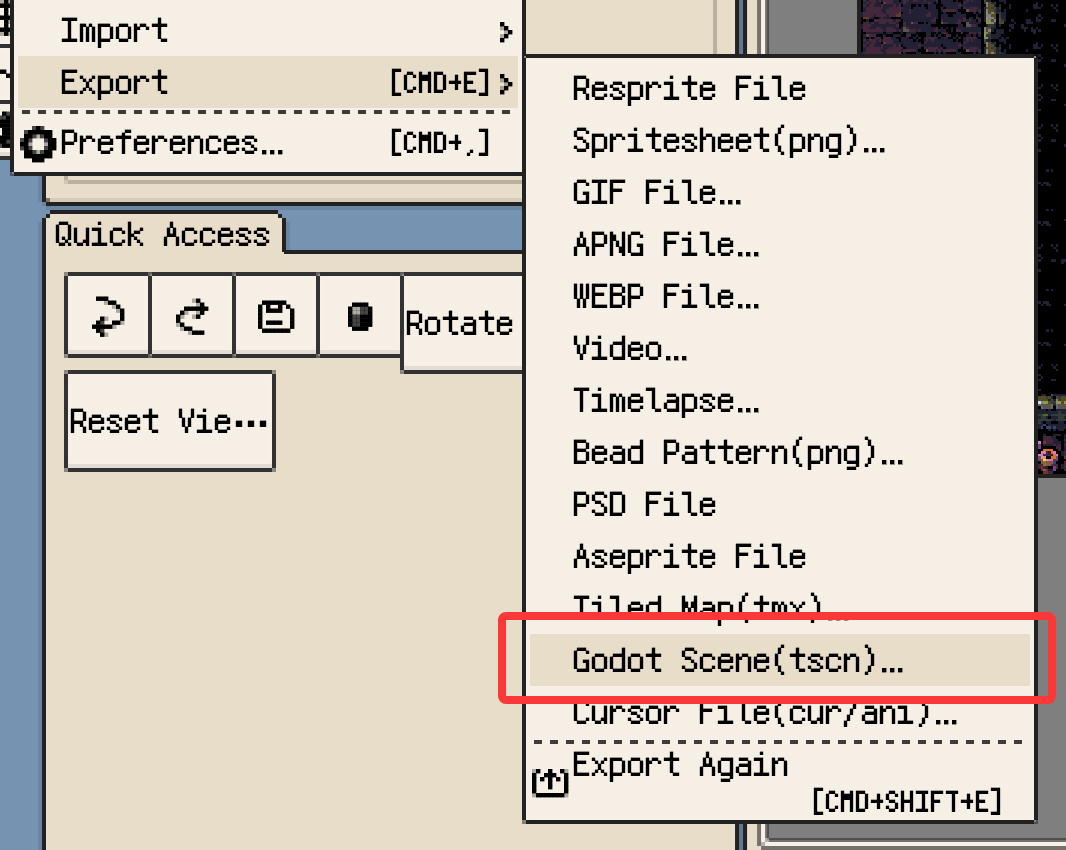
Export a tilemap as a Godot scene
- Move, resize, and rotate reference images directly on the canvas.
- Added Online Themes to preview, install, and apply themes.
- Import APNG and WebP animations via Import > Image.
- Brush previews can now show only the outline. Enable it in Canvas settings.
- Drag single or selected cells beyond the timeline end to add frames automatically.
- Duplicate single or selected cells to the right with Alt+D or the cell menu.
Improvements
- Added two-finger canvas rotation on supported desktop devices. Enable it in Canvas settings.
- Eraser now previews Shift-click straight-line erasing.
- Keep picking colors while dragging the hue ring, even when the pointer moves outside it.
- Image import now detects animations automatically, with a separate spritesheet import entry.
- Natural numeric name sorting in the Gallery and other lists.
- Improved the custom font keyboard layout with larger hit areas for more accurate character selection.
Fixes
- Fixed occasional missing pixels in the canvas display after drawing.
- Fixed unwanted transparent borders in brush previews.
- Fixed image import handling when no frames remain or the initial save fails.
- Fixed 45° symmetry axes resetting their positions when turned off and back on.
- Fixed pasting with Lasso or other selection tools automatically switching to Marquee.
Changes
- Clip-based sprite sheet layouts can include or exclude unassigned frames.
- Theme files now use
.resthmfor cross-platform sharing, with support for legacy themes.