Where are my project files on iPhone or iPad?
Your projects are stored locally in the Resprite folder in the Files app.
- Open Files and browse On My iPad or On My iPhone.
- Open Resprite and find the
.respriteproject. - If you organized the project into a subfolder in the Resprite Gallery, check that subfolder here too.
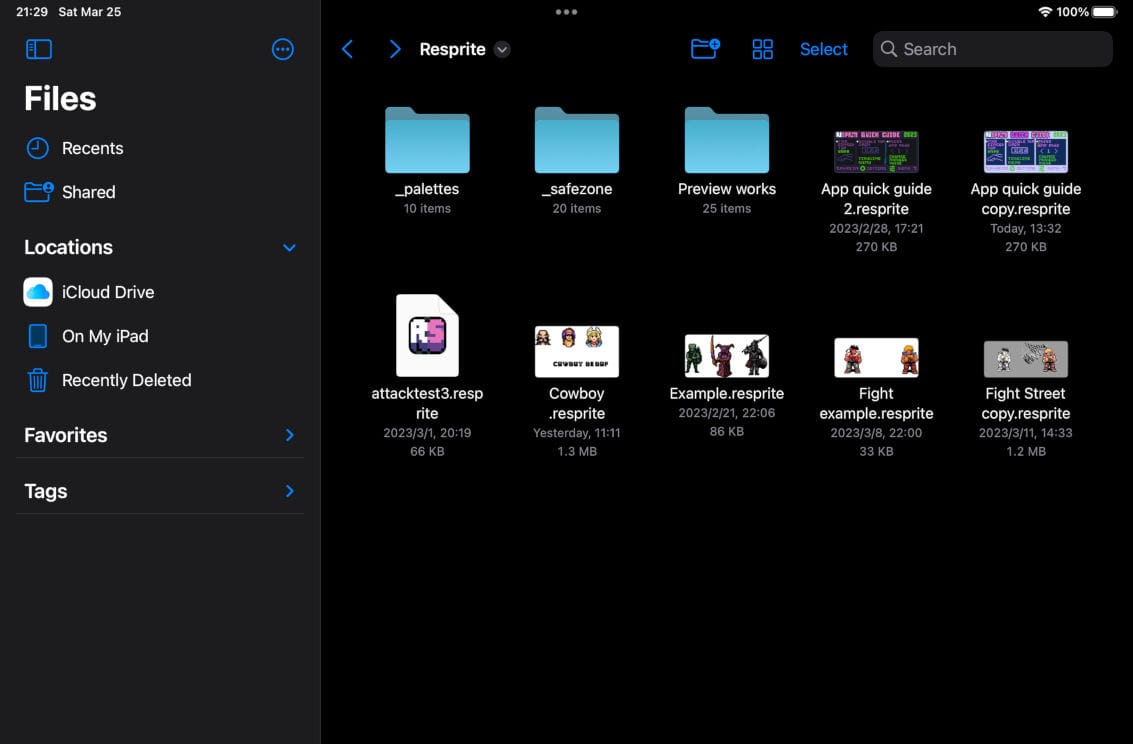
The Resprite folder in the iPad Files app
Transfer or back up an editable project
Select the artwork in the Gallery, export it as .resprite, then save or send the exported copy to the other location or device. Gallery multi-select supports batch export.
Use the app's export workflow for transferring projects, rather than assembling their internal files yourself. A PNG or GIF export does not replace the editable project. Keep important backup copies outside the app's local folder.