How do I check the total editing time of my artwork?
Open Sprite ▸ Sprite Info and look for Total Editing Time.
This value adds up the minutes in which you made edits to the artwork. It is not the file's modified date or simply the time the project has been open. Minutes with no editing activity do not keep adding to the total.
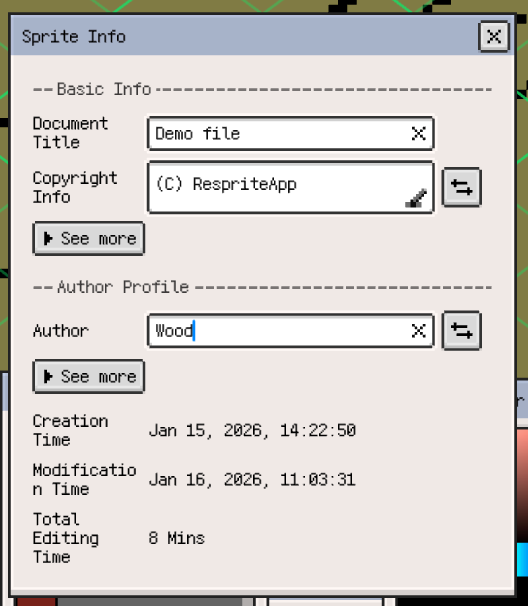
The same dialog shows creation and modification dates as separate fields. App usage statistics describe overall application usage, which is a different measurement from the editing time of one artwork.