Resprite DA v1.28.1 Release Notes: Color Wheel Picker, Blur Filter, Interactive Resize
Resprite DA v1.28.1 expands localization with five new languages, introduces a color wheel picker and blur filter, and brings interactive canvas resizing with layer thumbnails to speed up daily work. It also refines alerts, tabs, timeline feedback, and Android navigation for smoother workflows.
New Features
- Added translations for Dutch, Ukrainian, Traditional Chinese, Thai, and Czech.
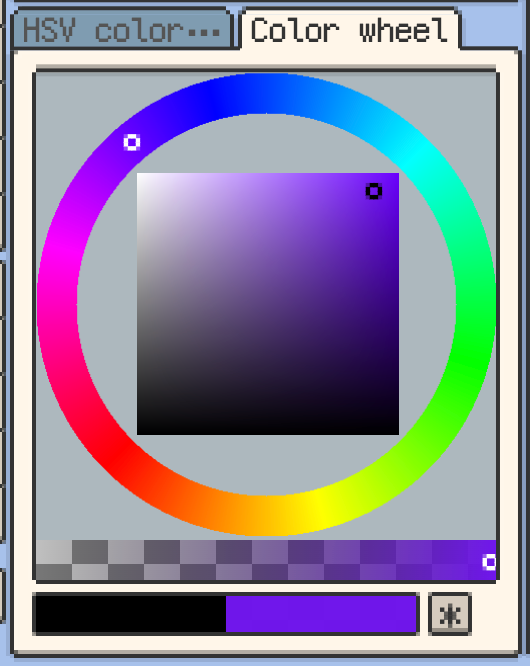
- Added support for color wheel picker.
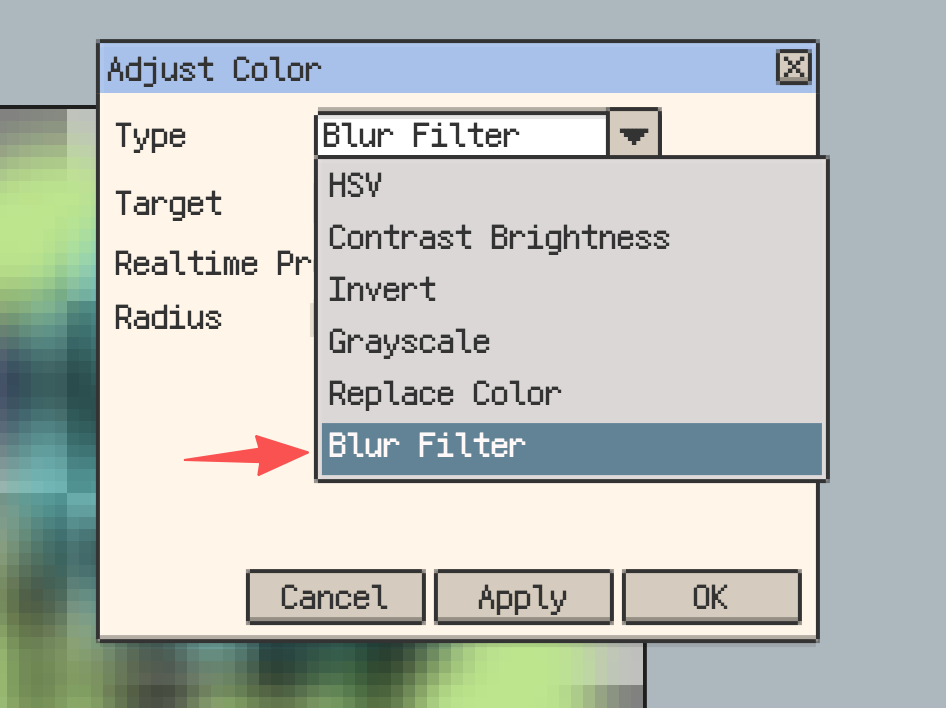
- Added support for blur filter.
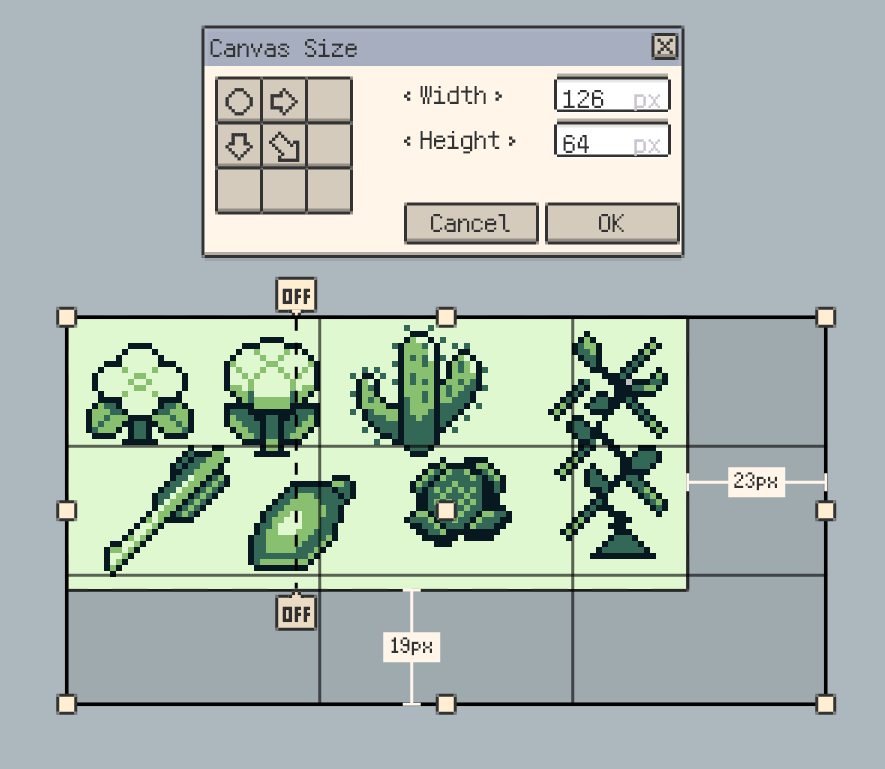
- Added support for interactive canvas resizing.
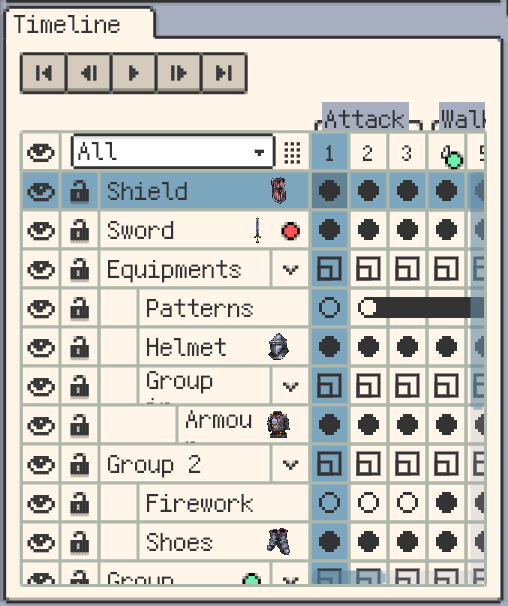
- Added support for displaying layer thumbnails.
Improvements
- Added error alerts for invalid images.
- Capable of displaying multiple alert messages simultaneously.
- Automatically brings the window to the foreground when opening from a file.
- Fixed some UI imperfections.
- Remembers and restores the selected tab state.
- Supported renaming files within the tab menu.
- Added opacity control for the eye icon based on ancestor layer visibility.
- Long-pressing a layer's "eye" icon isolates the current layer (hides others); long-pressing again restores the previous visibility state.
- Holding Shift while dragging free transform corner handles keeps the original aspect ratio.
- Clicking timeline cells now blinks to highlight the content area.
- Long-press the symmetry tool handle to lock its position.
- Added News page and notifications (Help Dialog - News).
- On Android, double-tap the Back button to exit the app.
- Optimized scrolling smoothness of the timeline window.
Fixes
- Picking color from a flipped reference image now samples the correct pixel.
- Corrected Shift constraint logic for Rectangle Select and Shape tools.
- Fixed an issue where transparent areas in exported PSD files would turn black when opened in Procreate.
- Fixed a bug where the tool session would not be committed before resizing the canvas.
- Fixed a bug where the initial selection in the transform tool would be incorrect when cells inherit from each other.
Thank you for reading! If you have feedback or questions, please reach out via our official support channels: Support.