File Lock
File Lock adds a password prompt before a sprite bundle opens. Locked sprites do not show their thumbnails in the gallery.
info
File Lock is available only on Resprite for iOS.
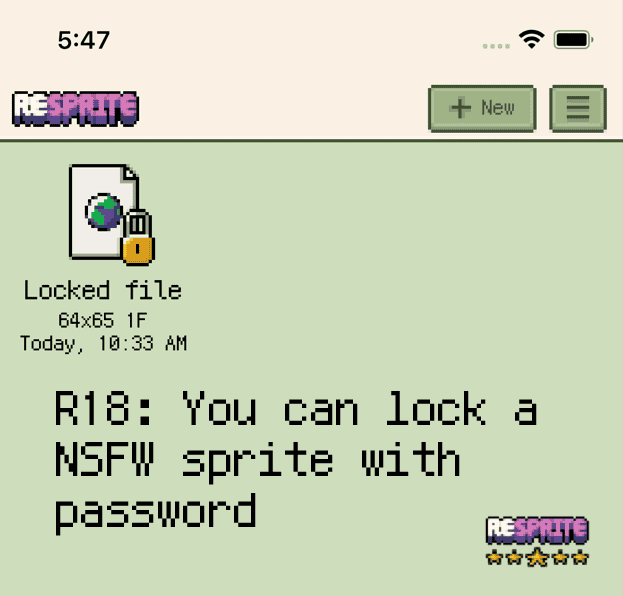
Locked sprite bundle
Add, change, or remove a password
- Open the sprite bundle you want to protect.
- Choose Menu ▸ Sprite ▸ Add Password / Change Password.
- Enter a new password and confirm. To remove protection, open the dialog and press OK without typing a new value.
note
Passwords are stored locally with light-weight protection. Always keep a secure copy of critical artwork and avoid sharing the device with untrusted users.