File Lock
Why lock a file
When multiple people share the same device, you can add a password to a sprite bundle to keep NSFW or unreleased work private. Locked sprites hide their thumbnails in the gallery and require the password before they open.
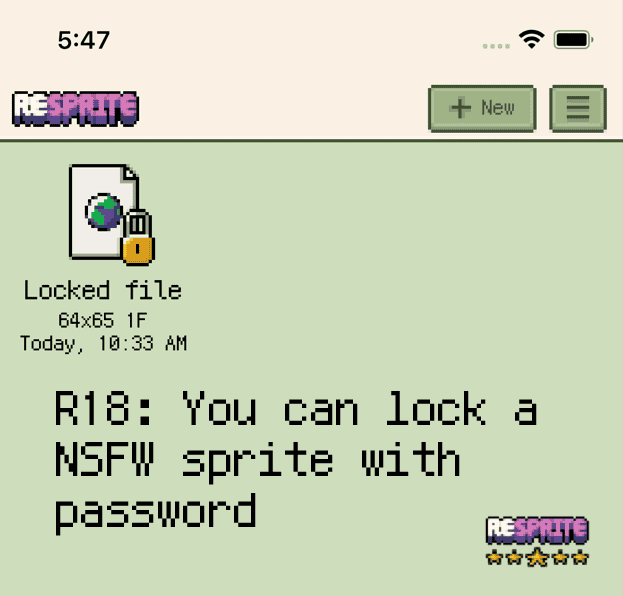
Locked sprite bundle
Add, change, or remove a password
- Open the sprite bundle you want to protect.
- Choose Menu ▸ Sprite ▸ Add Password / Change Password.
- Enter a new password and confirm. To remove protection, open the dialog and press OK without typing a new value.
note
Passwords are stored locally with light-weight protection. Always keep a secure copy of critical artwork and avoid sharing the device with untrusted users.