Resprite iOS R60 changelog
Date: Sep 5 2026
New
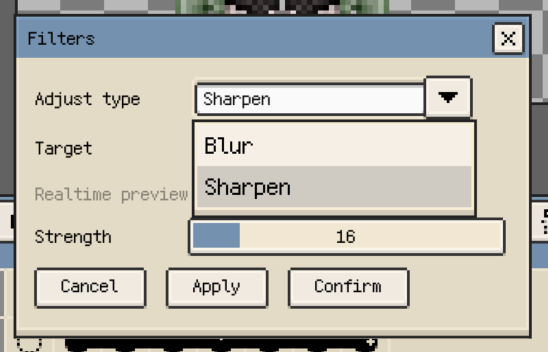
- New: Edit > Filters now includes Sharpen with adjustable strength. It supports selections and Sprite, Layer, Frame, and Cell targets while preserving transparency and cell bounds.
-
New: Canvas Long Press and Pencil Draw Only one-finger long press can temporarily use the Eraser. Resprite previews erased pixels during the gesture and restores the previous tool when it ends.
-
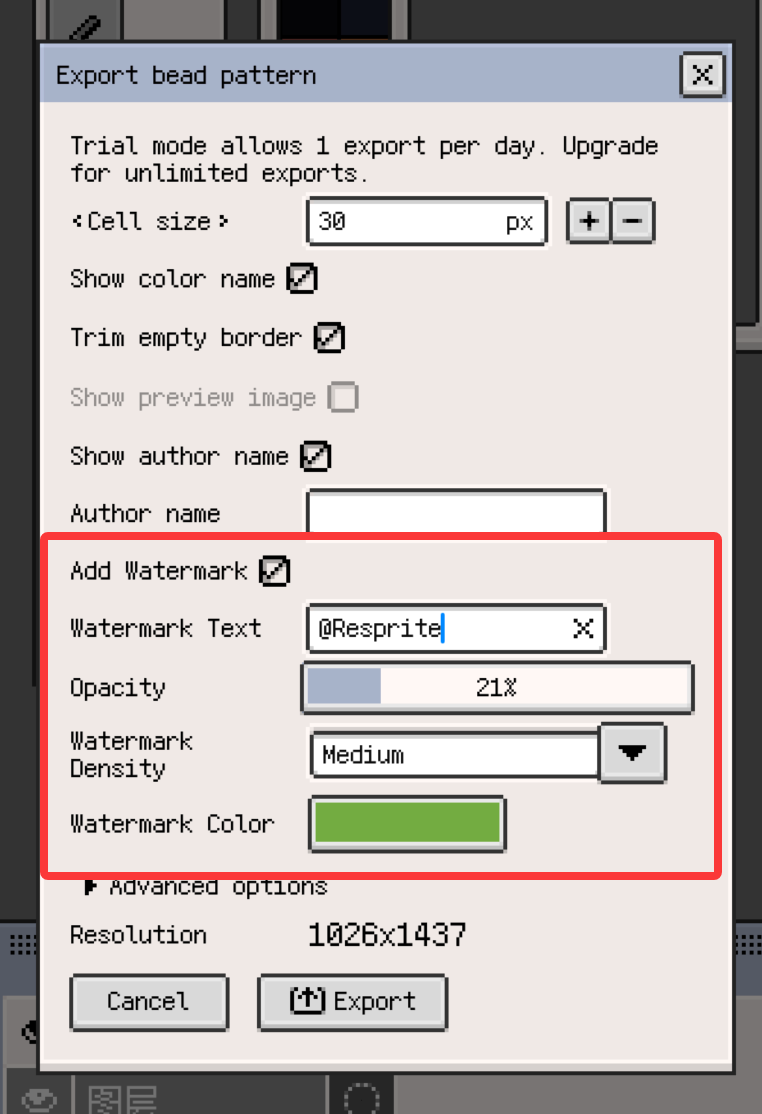
New: Bead Pattern export supports custom diagonal watermarks. You can adjust the text, opacity, density, and color; the watermark is clipped to the bead grid.
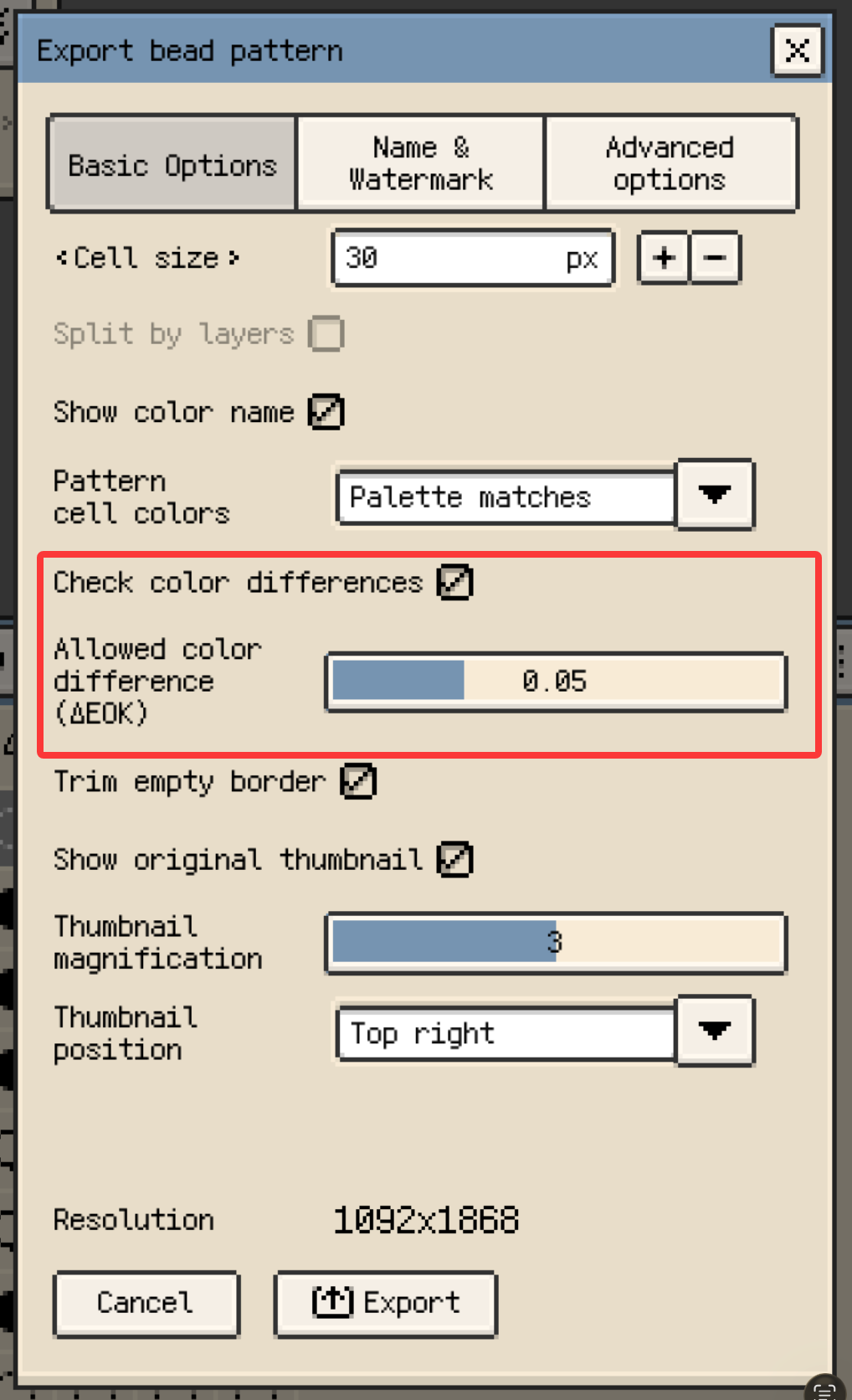
- New: Before Bead Pattern export, an adjustable ΔEOK threshold can check artwork colors against their palette matches. When noticeable differences are found, you can cancel, continue with a final copy, or export a review copy with marked cells and color comparisons. Gallery batches and per-layer exports summarize the results once.
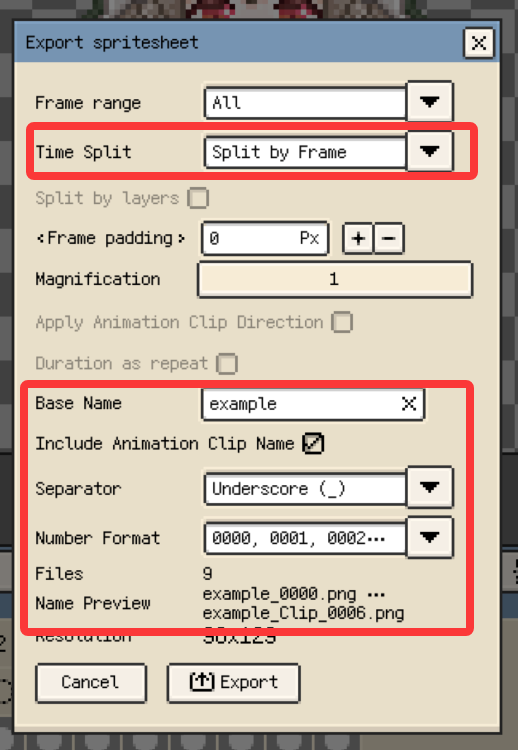
- New: Sprite Sheet export can split output by frame, animation clip, or layer, and combine these split options. It can apply clip direction and frame duration, include hidden layers, and preview safe, unique filenames. Gallery batches also handle failed sources consistently, while multi-file exports still offer ZIP packaging.
- New: After explicitly selecting multiple timeline cells, you can move, rotate, scale, or flip the selection content in all of them together. You can also paste the same clipboard content into multiple editable cells and transform the pasted content as one operation. Each batch supports unified Undo and Redo.
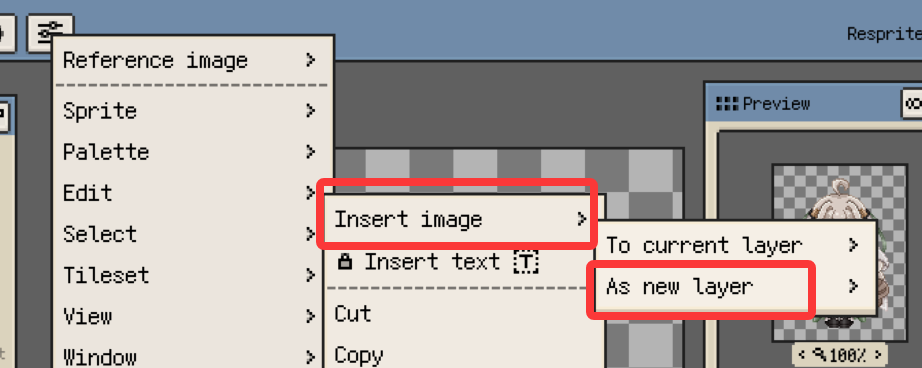
- New: Selected images and image sequences can be imported as new layers. Resprite groups files into frame sequences only when the complete batch forms valid filename sequences; otherwise, each file creates a separate layer.
- New: Inherited cells on raster layers support absolute Position Offsets relative to their solid source. The Move Tool still moves the shared source by default. Enable Local Offset to move only the current inherited cell, then optionally enable Move Following to apply the delta through the inherited cells before the next solid cell. Offsets can be viewed, edited, or reset in Cell Properties and reset individually or in batches from the timeline Cell menu.
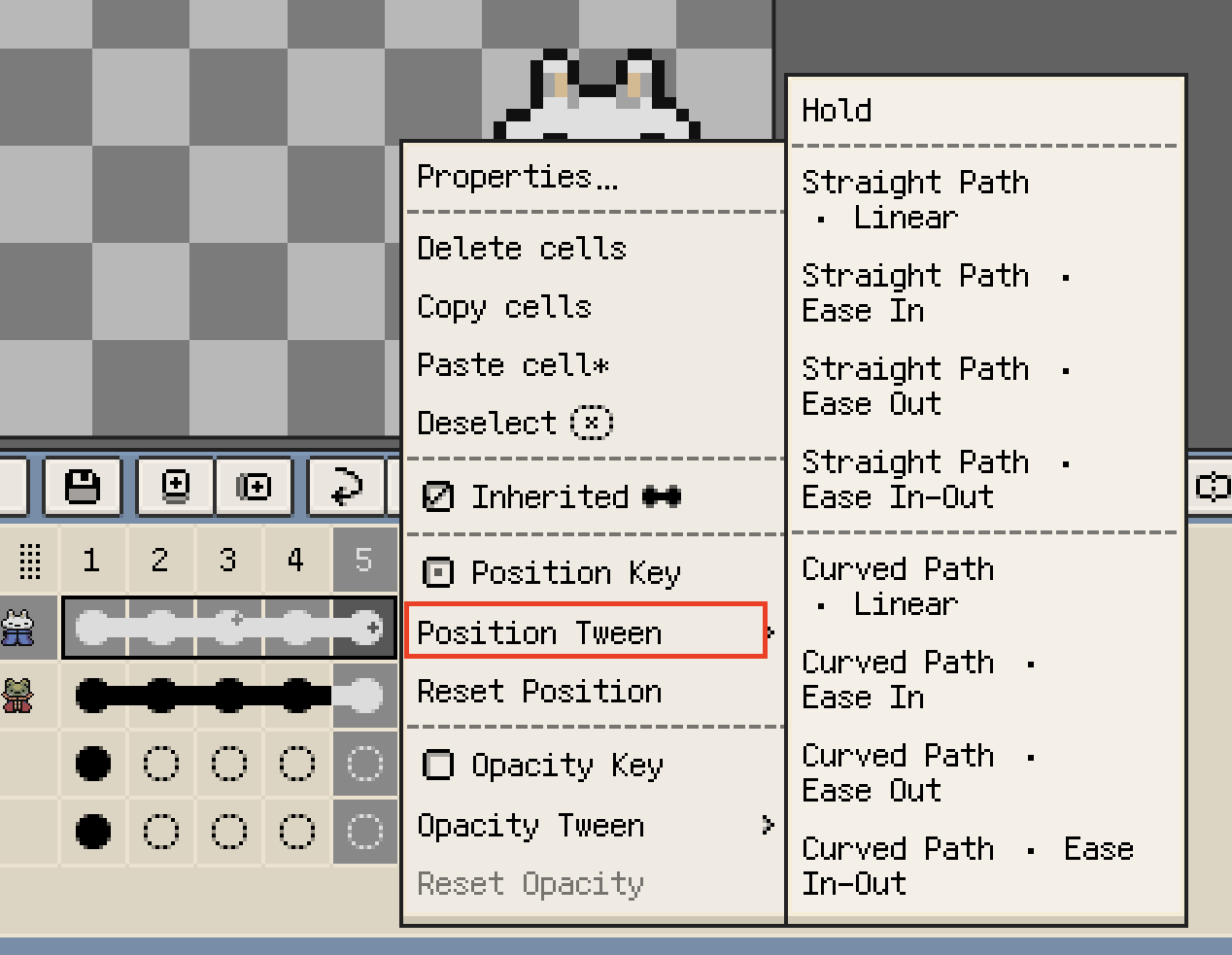
- New: Inherited cells support separate Position and Opacity Keys, plus instant tweening. Position tweening supports straight paths and curved paths shaped by at least three Position Keys. Generated values account for frame duration and can be replaced by running tween again. Keys can be managed from Cell Properties or the timeline, with Hold, Linear, and eased timing options.
- New: Selections automatically follow enabled symmetry tools and keep their symmetric branches linked during later transforms.
- New: When a symmetry handle is outside the viewport, an edge indicator shows its direction and axis type. Drag the indicator to bring a horizontal, vertical, or 45° symmetry axis back into view. The move supports Undo and Redo.
Improvements
-
Improved: When the canvas center is offscreen, Center Symmetry Axes now moves the axes to the center of the visible area.
-
Improved: Turning off cell inheritance preserves the currently displayed content and position, so you can continue editing without a visual jump.
-
Improved: Independent Position and Cell Opacity values on inherited cells remain consistent on the canvas, in PSD/ASE exports, and in cross-platform
.respritefiles. -
Improved: When you explicitly select a Group, multiple layers, frames, cells, or an Apply Target range for movement or content editing, unlocked hidden content now participates in the operation. Locked content remains protected and produces one combined notice.
-
Improved: Hidden timeline cells can be edited directly from the Cell menu, including Delete, Cut, Paste, Move, Flip, inheritance changes, and Position Offset reset. Operations that need visible canvas feedback still reject hidden targets. Cell Properties remains editable for hidden layers and opens read-only when the layer or a parent Group is locked.
-
Improved: Refined frame navigation and timeline positioning during animation playback.
-
Improved: Bead Pattern and Quantize to Palette now share standard OKLab color-distance matching. Pattern cells can show palette matches or artwork colors, while the thumbnail always preserves the artwork colors.
Fixes
-
Fixed: Custom brushes now draw correctly across main-tile boundaries and visible copies in rectangular, isometric diamond, and hexagonal Tiled Mode. Sparse transparent and multicolor brushes no longer leave gaps or use incorrect colors, while Canvas and Stroke Start alignment keep their distinct behavior.
-
Fixed: Blur and Jumble now sample the opposite frozen tile source according to the active rectangular, isometric diamond, or hexagonal tiling geometry. Effects remain continuous across edges, corners, and visible copies without sampling unrelated Canvas content outside a local rectangular profile.
-
Fixed: Paint Bucket and Gradient no longer pause for several seconds on large canvases. Each drawing operation resolves the effective pixel selection once and releases it when the operation ends.
-
Fixed: On iPad, floating, split, and undocked keyboards no longer shrink the interface or leave a large blank area at the bottom. Fully docked keyboards continue to use system avoidance.
-
Fixed: Dragging a multi-frame selection to its own right boundary no longer creates an empty History entry. Repeated Undo and Redo across complex timeline edits now preserves complete object identities, preventing timeline corruption or crashes.
Changes
- Changed: Blur has moved from Color Adjustments to Edit > Filters.